
Personal project
OSX Kiosk Dotfiles
A repeatable macOS configuration for visitor-facing artworks and exhibition kiosks.
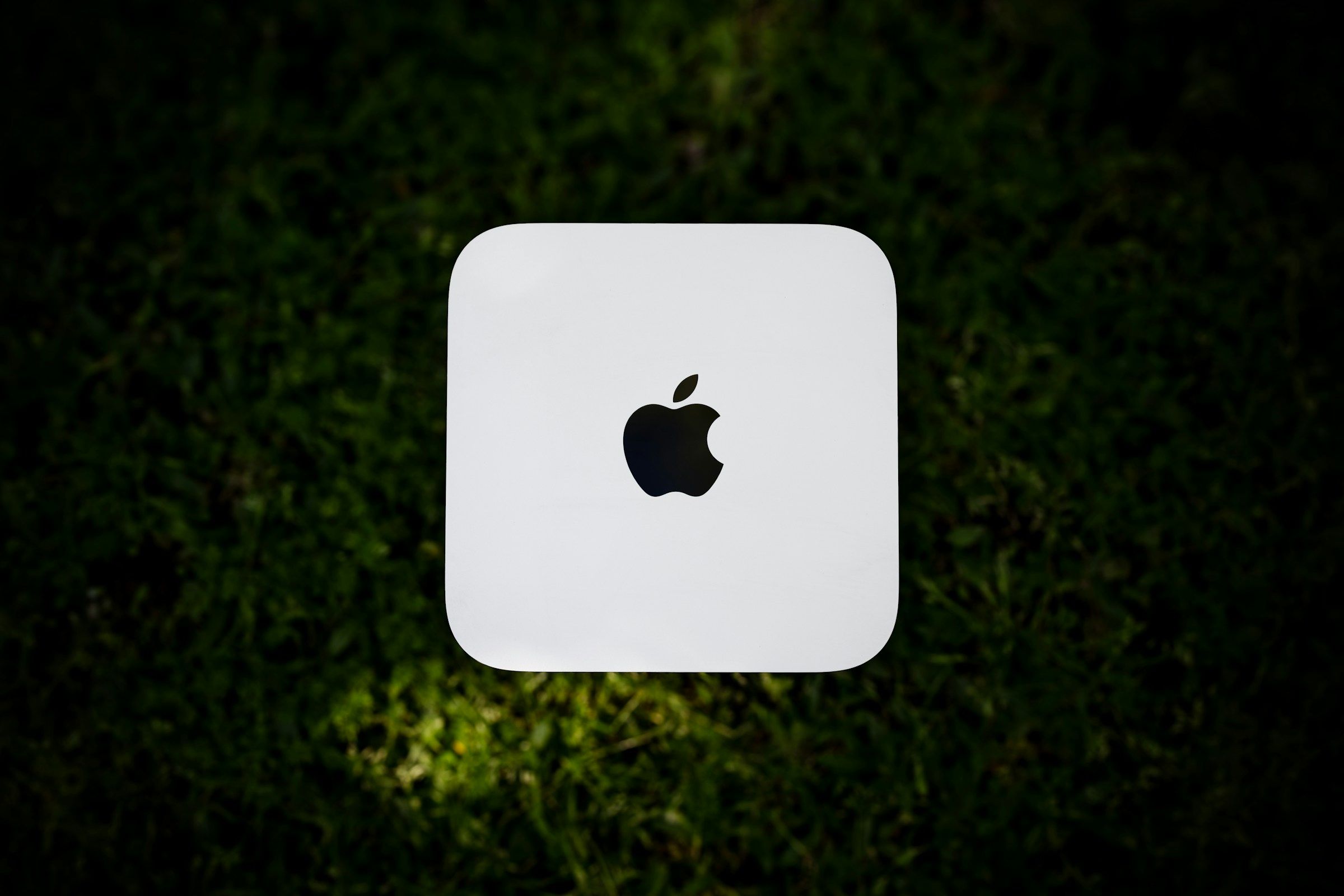
A gallery computer has a simple job: switch on, launch the artwork and keep running.
A standard Mac does many things that interfere. It sleeps, prompts for updates, displays notifications, starts onboarding flows and restores old windows. After a power cut or unexpected restart, an installation can be left waiting for human intervention.
I built OSX Kiosk Dotfiles to turn a clean macOS installation into a quieter, more predictable exhibition machine.
A repeatable baseline
The configuration is split into independently runnable modules covering power, interface, system services, sharing, security and notifications. The complete setup can be applied at once, or one area can be rerun during maintenance.
The baseline disables sleep, screensavers, notifications, onboarding prompts, automatic updates and crash dialogs. It simplifies Finder, Dock, Safari and menu bar behaviour, enables Screen Sharing, schedules a daily restart and provides a LaunchAgent template that starts and relaunches the artwork.
It also handles differences between Intel and Apple Silicon power recovery and documents steps that macOS does not safely expose through supported command-line tools.
Designing for failure
The important case is not initial setup, but what happens when something goes wrong.
Artwork can relaunch after a crash, the Mac restarts on a schedule, and supported hardware can return when power is restored. Hardware-dependent behaviour is detected rather than assumed, with warnings where physical testing is still required.
A separate verification script reports clear pass, fail and informational results. The full test cycle runs against a clean macOS Tahoe snapshot and repeats after reboot to confirm that settings persist.
Responsible automation
Some controls deliberately remain outside the scripts. Automatic login uses Apple’s supported interface rather than writing recoverable credentials to an undocumented file. Screen Time restrictions remain a documented manual step, while stronger single-app and Finder restrictions are treated as MDM concerns.
The project automates what can be applied and tested responsibly while keeping the remaining operational and security decisions visible.
Outcome
The result is a reusable deployment baseline for small exhibitions and creative installations: faster to configure, easier to audit and more predictable after restarts, software failures or power interruptions.
What began as a collection of personal macOS defaults became a modular operations toolkit for running artwork in public. The project is open source on GitHub.