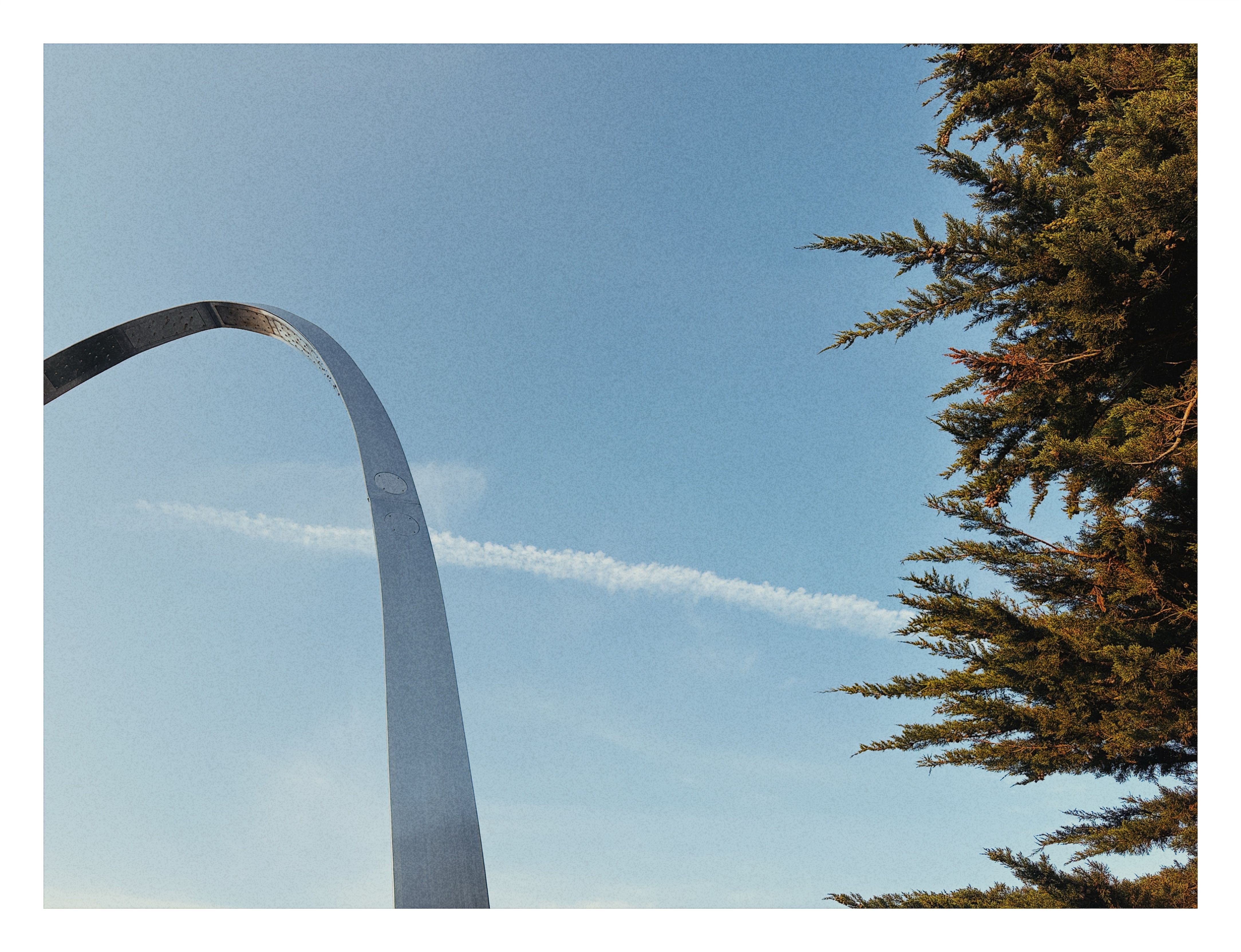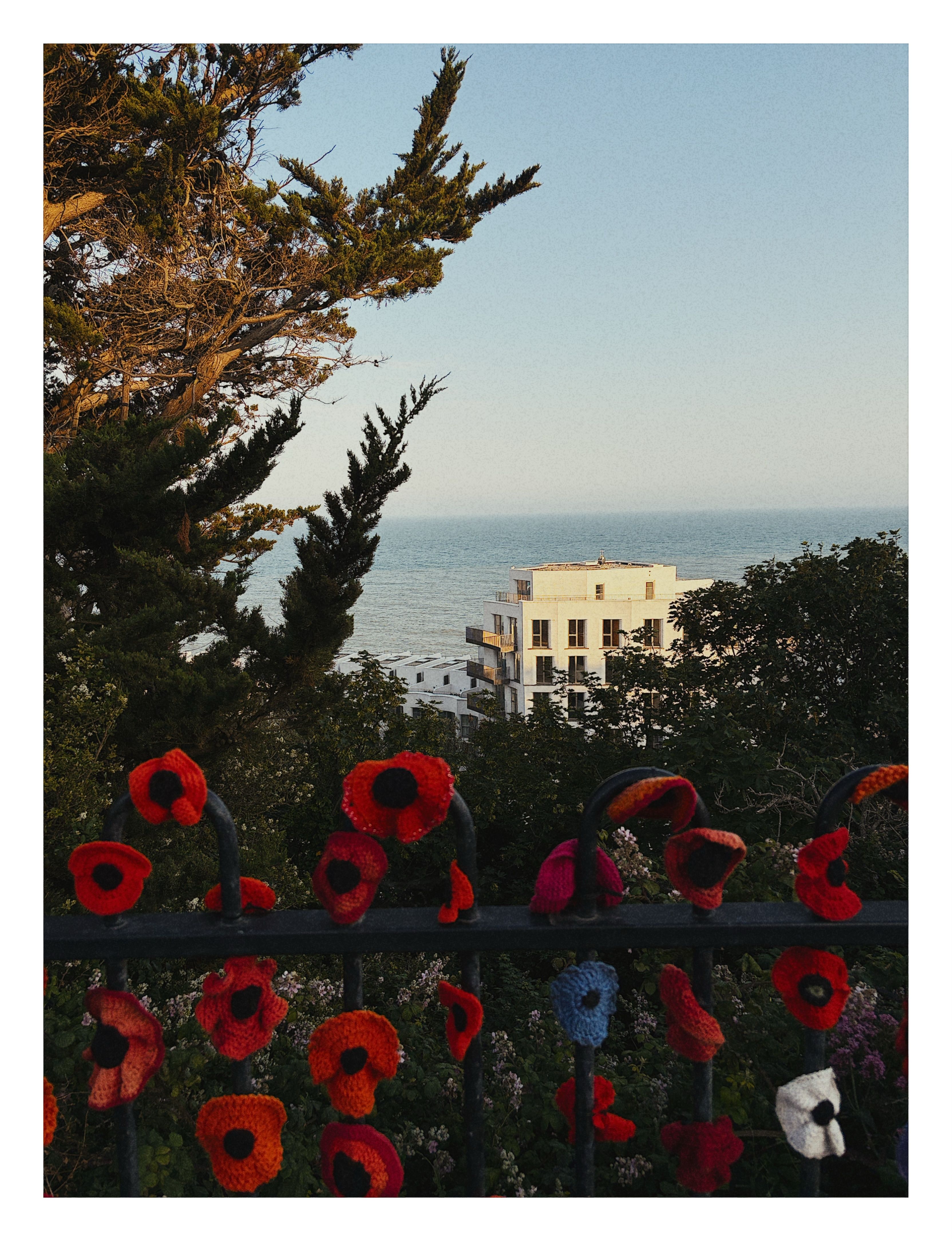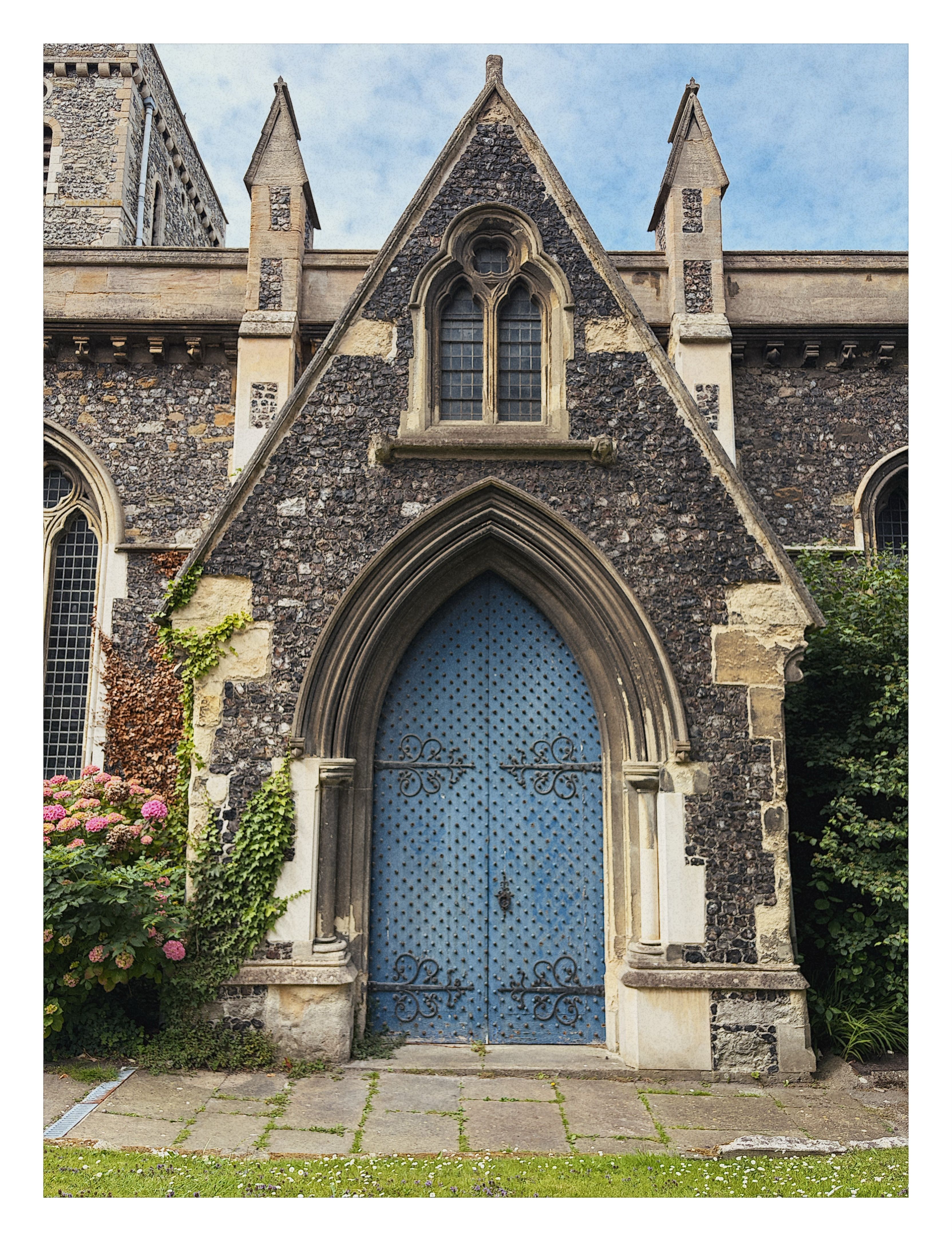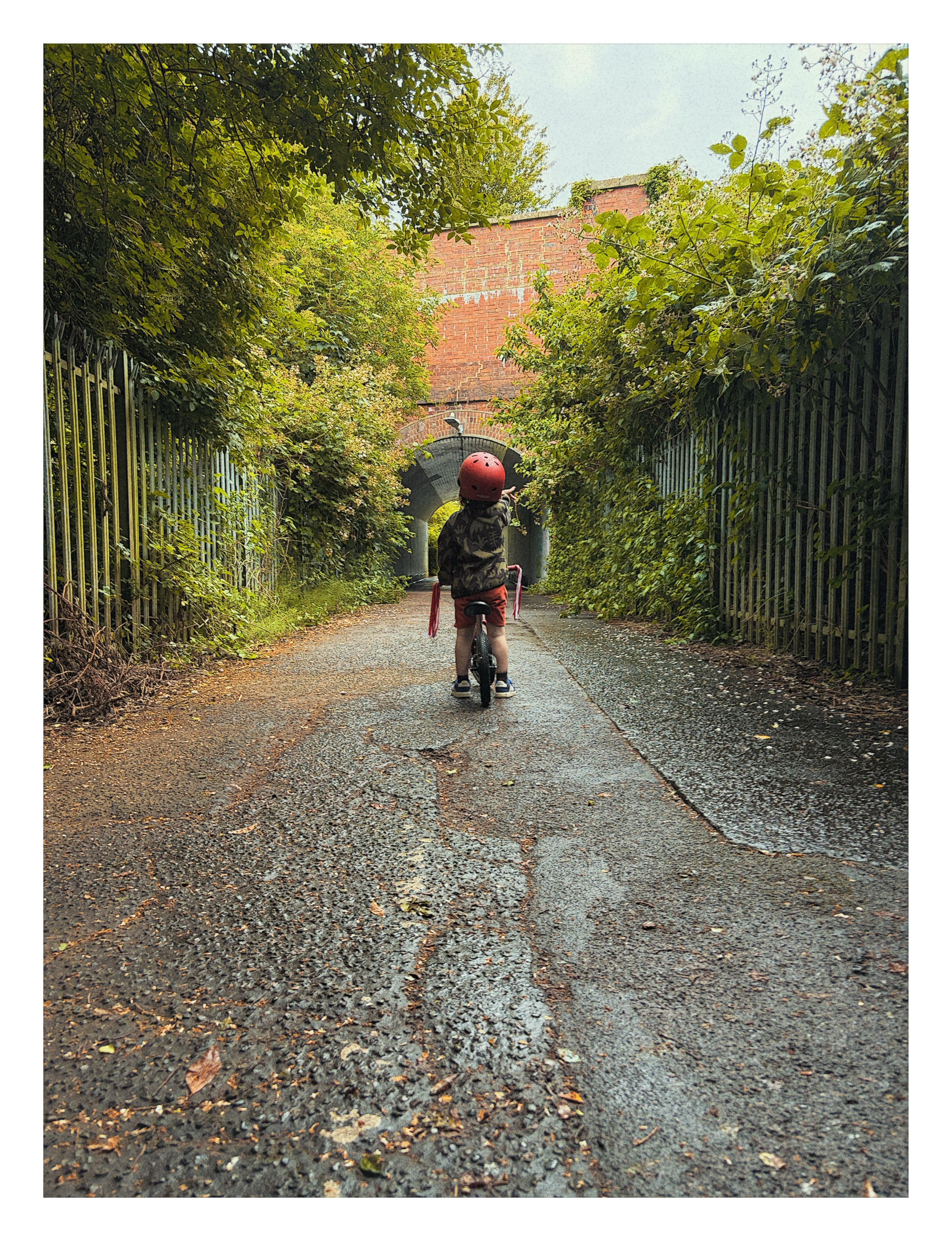
Personal project
Amber
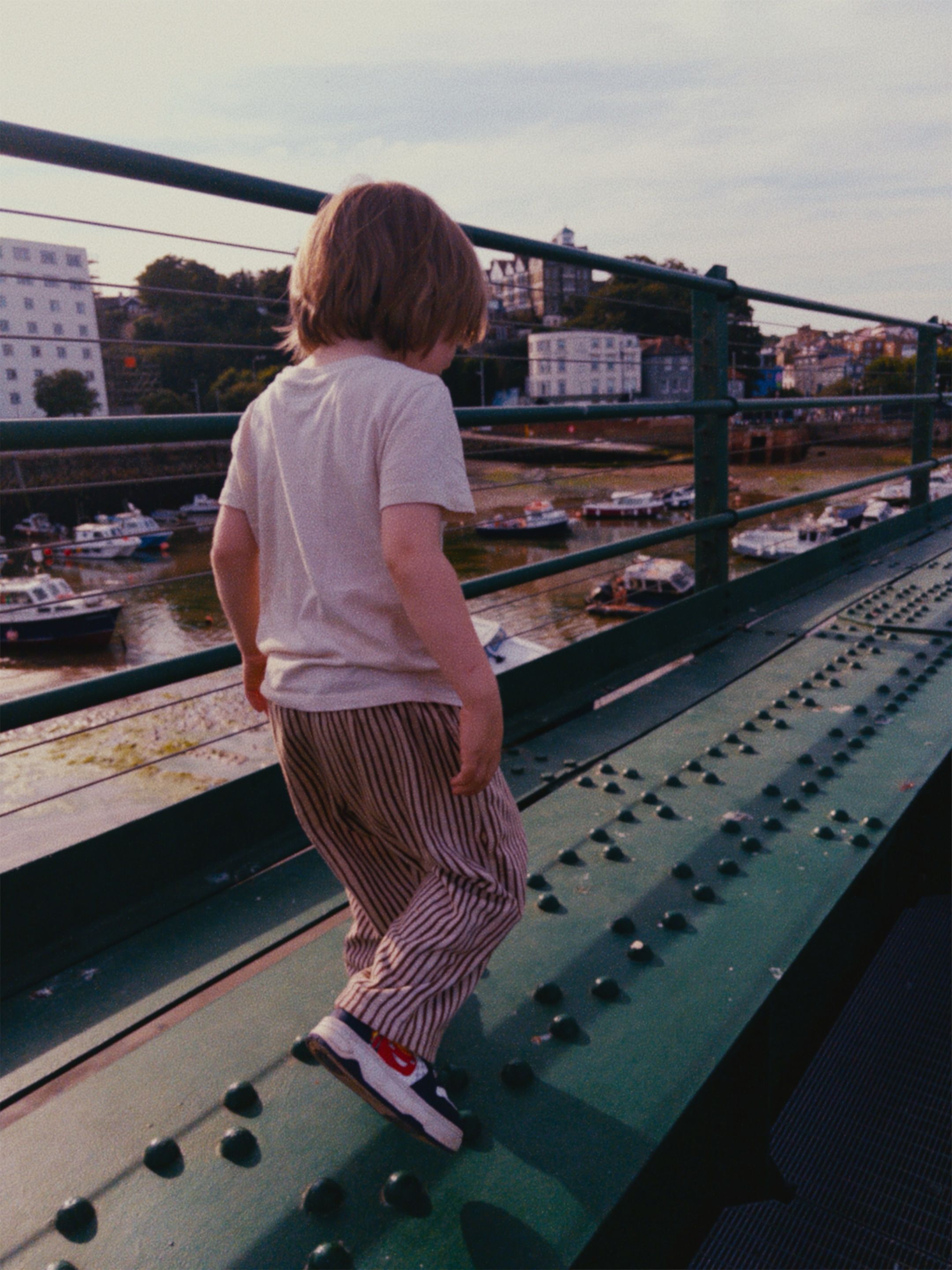
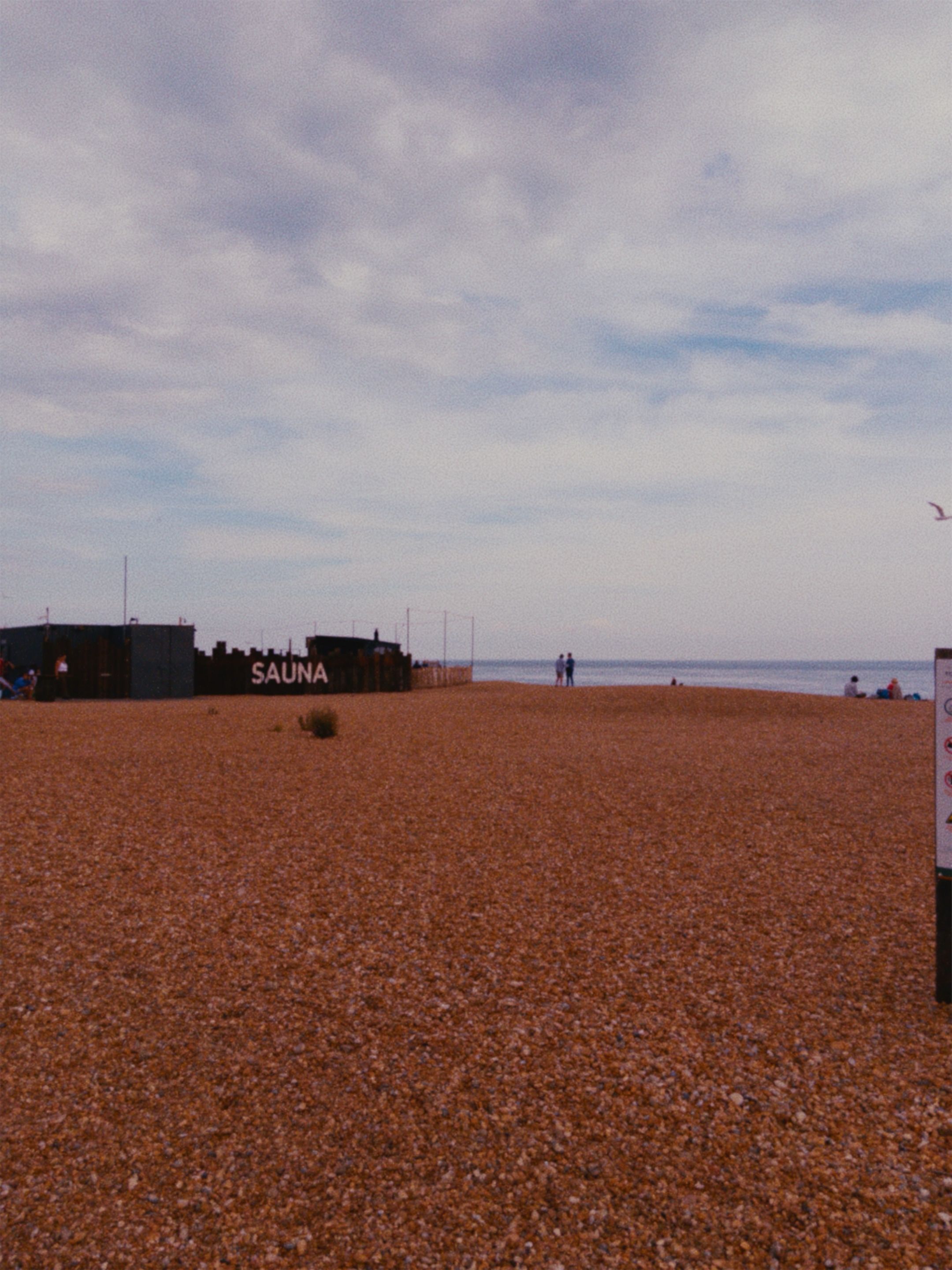
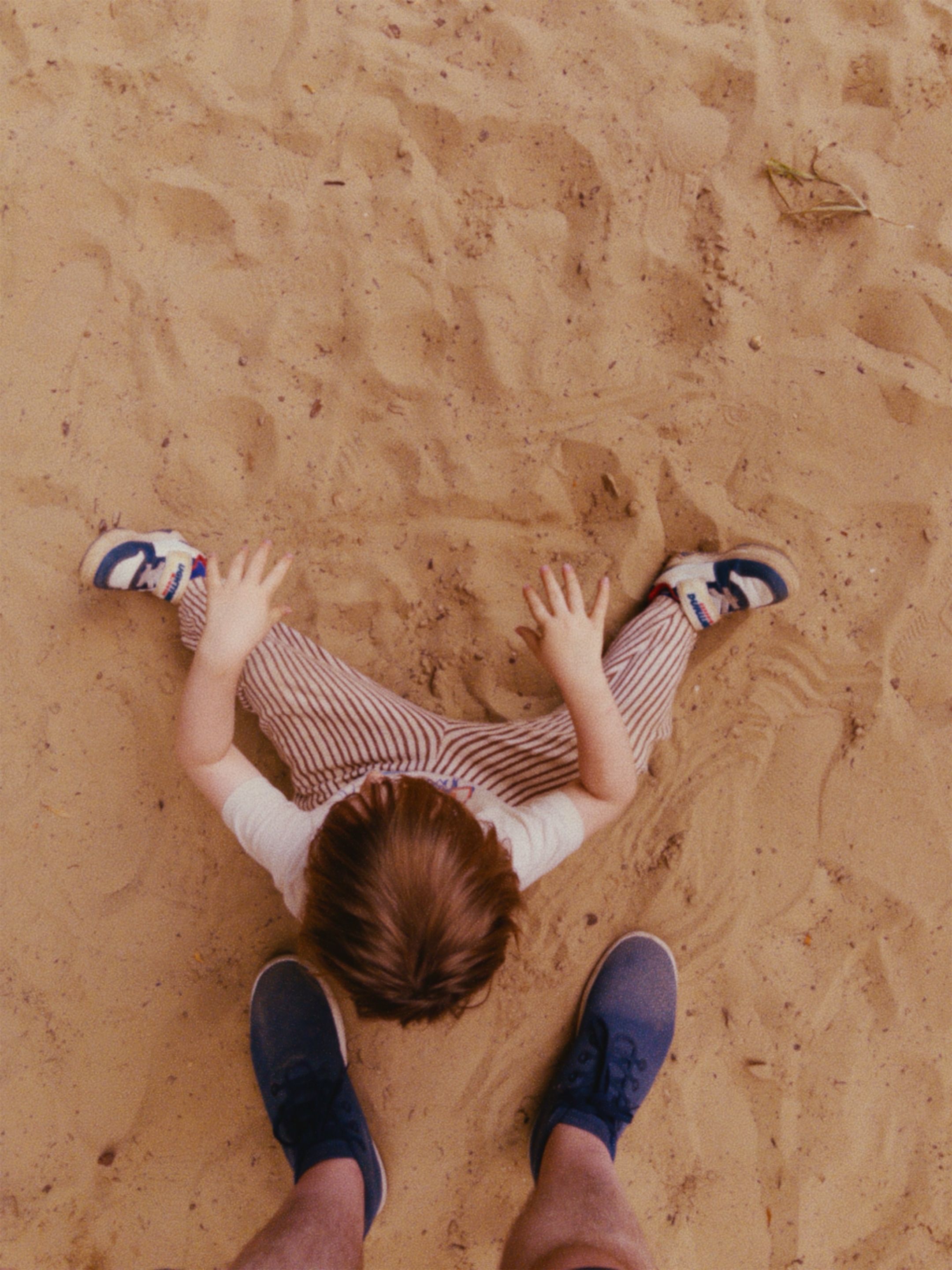
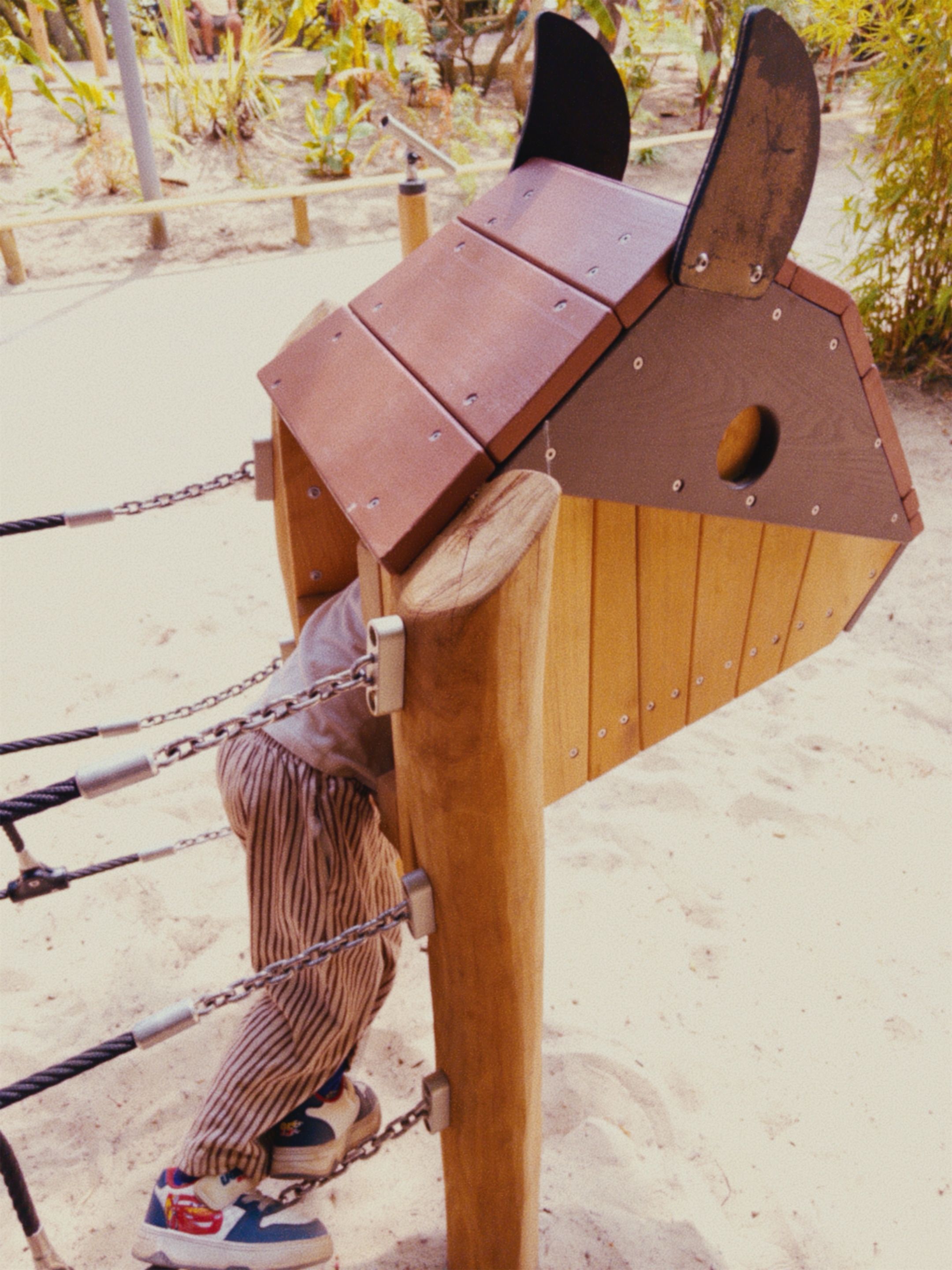
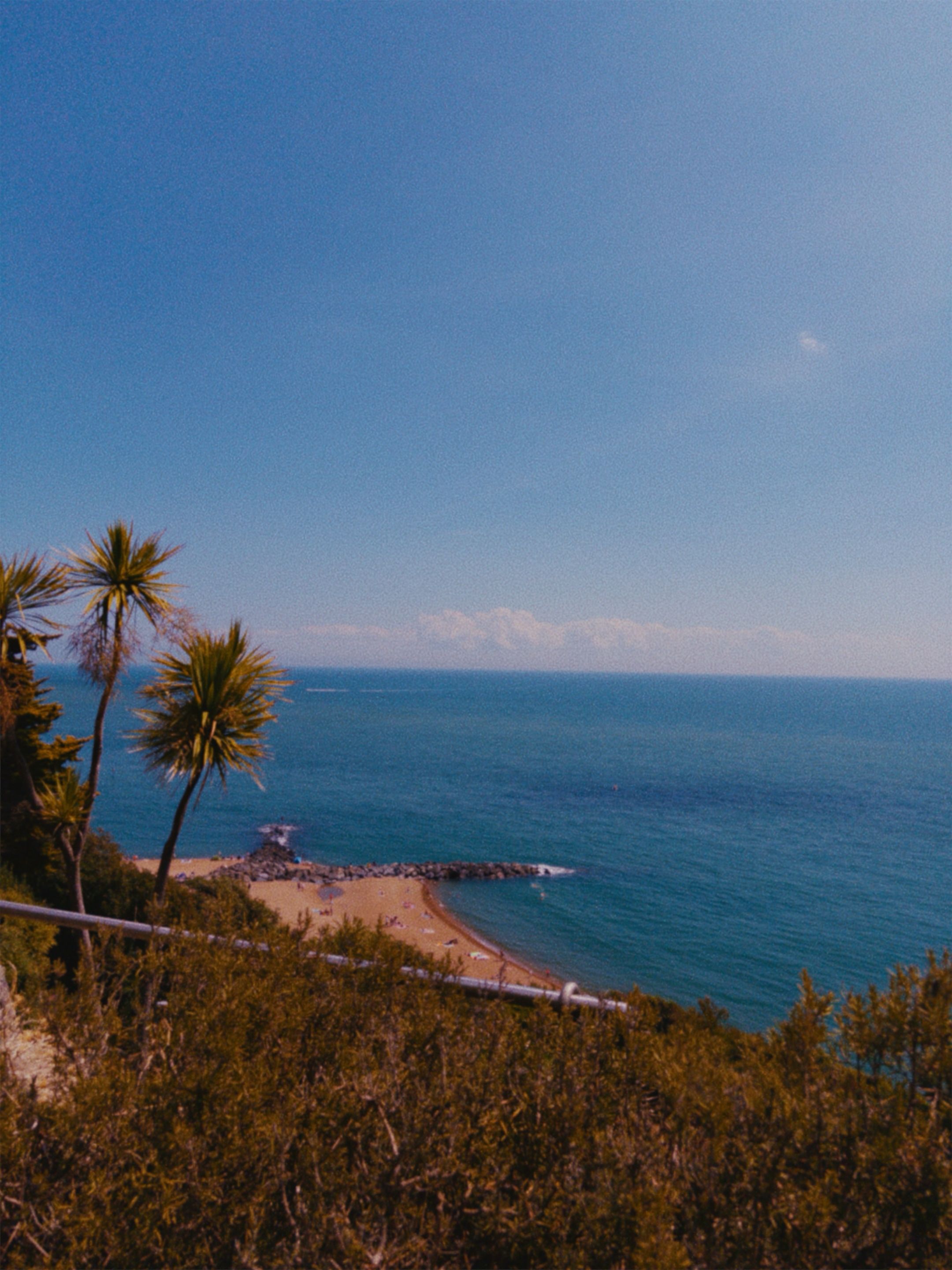
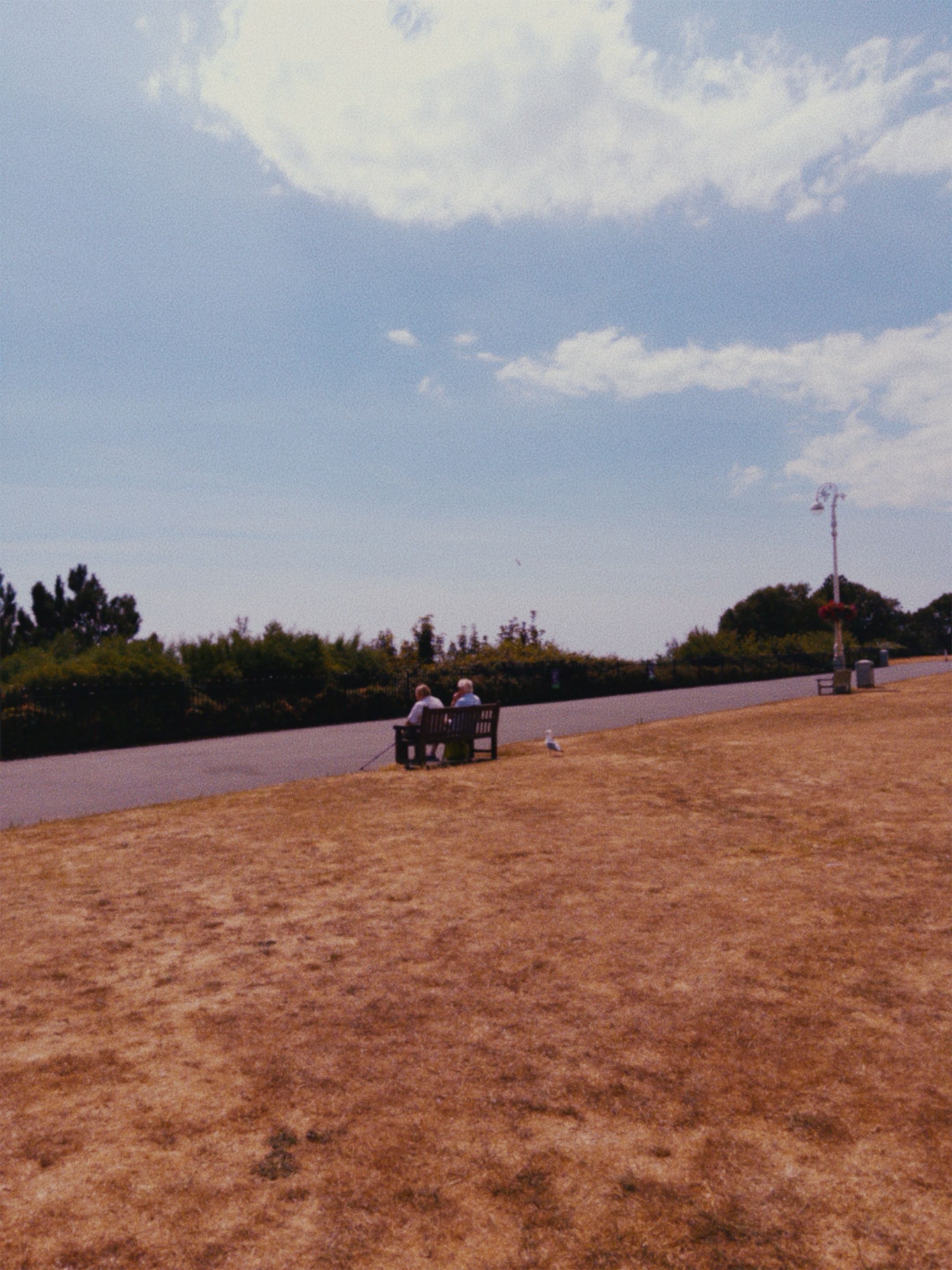
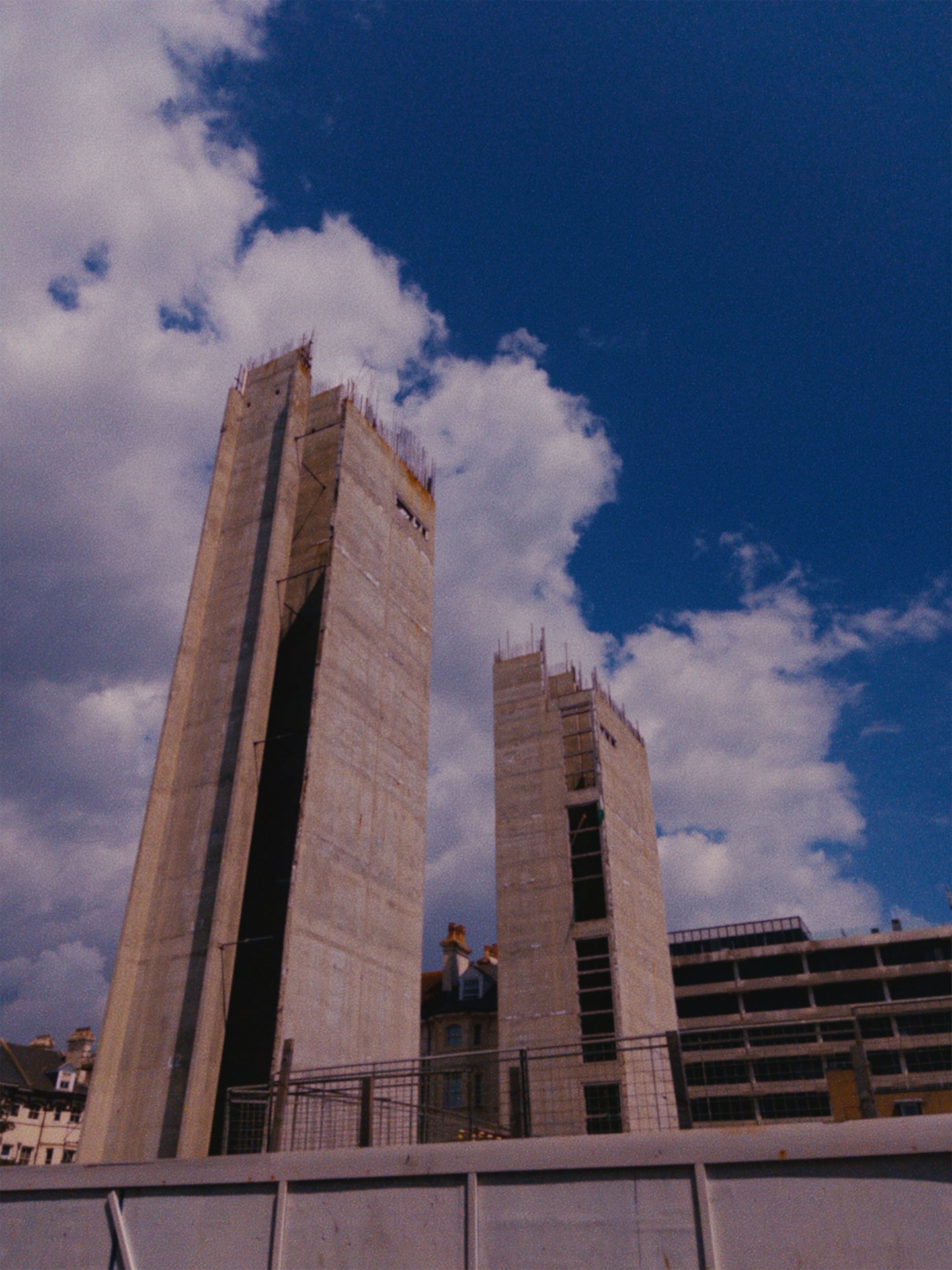
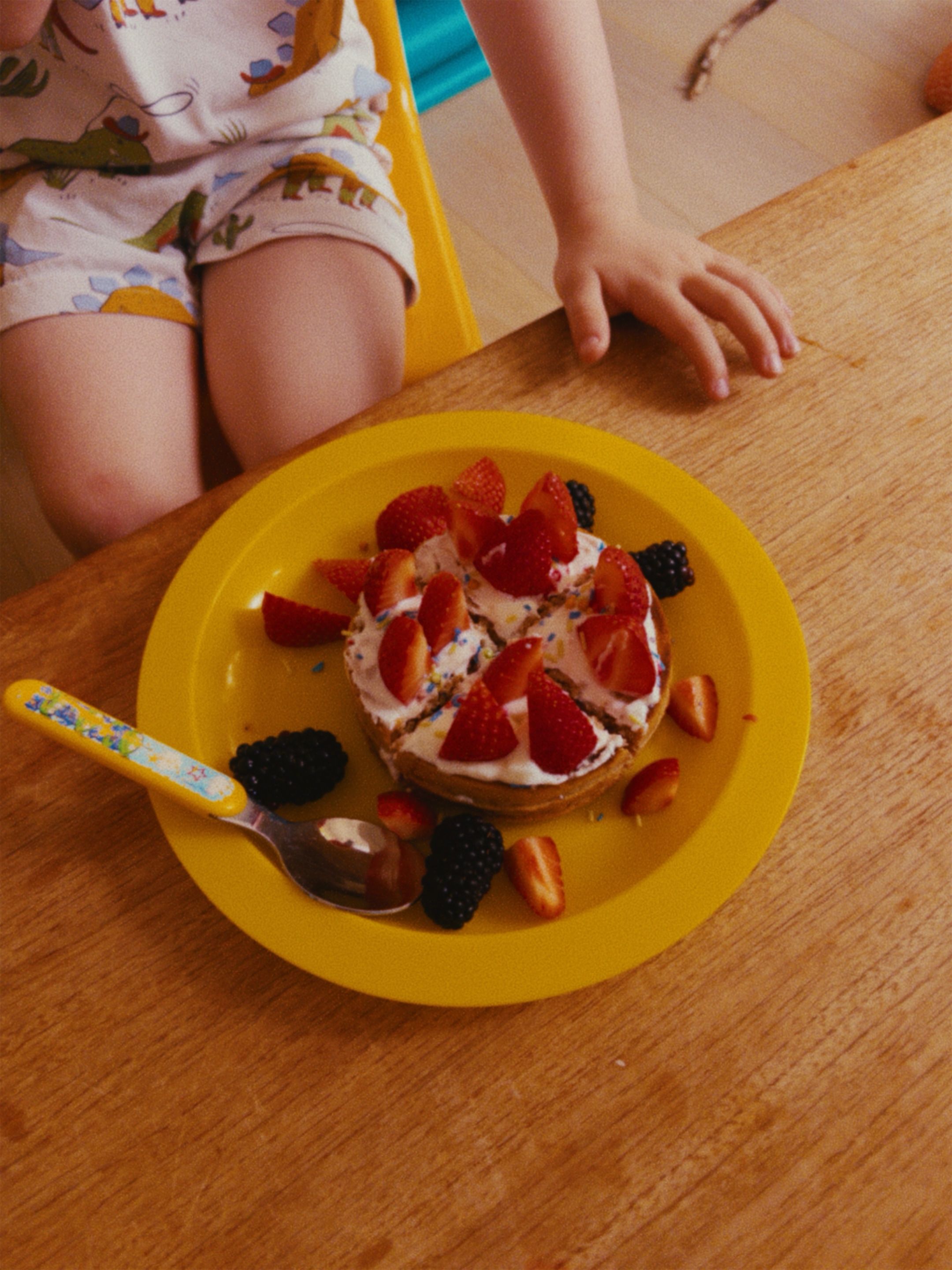
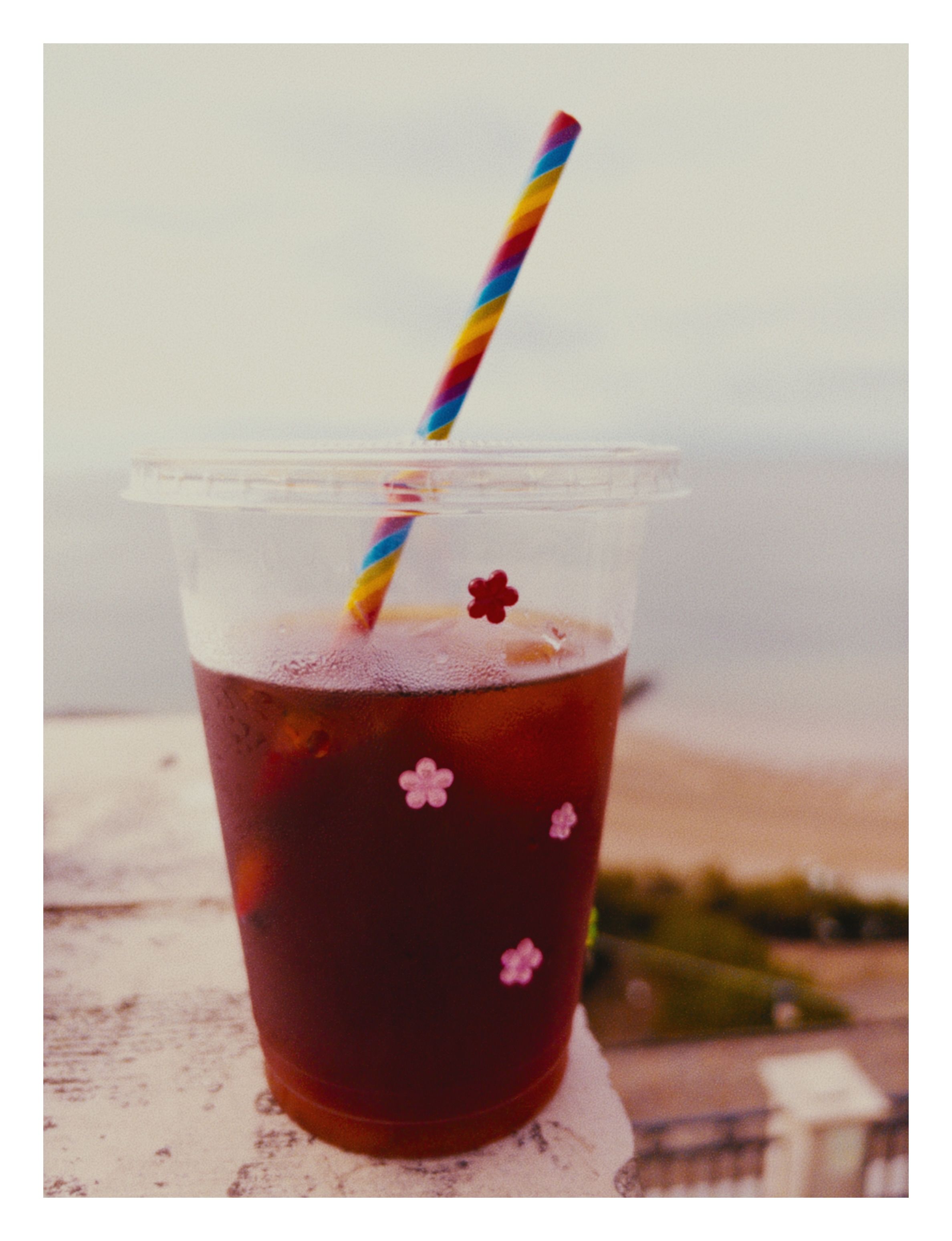
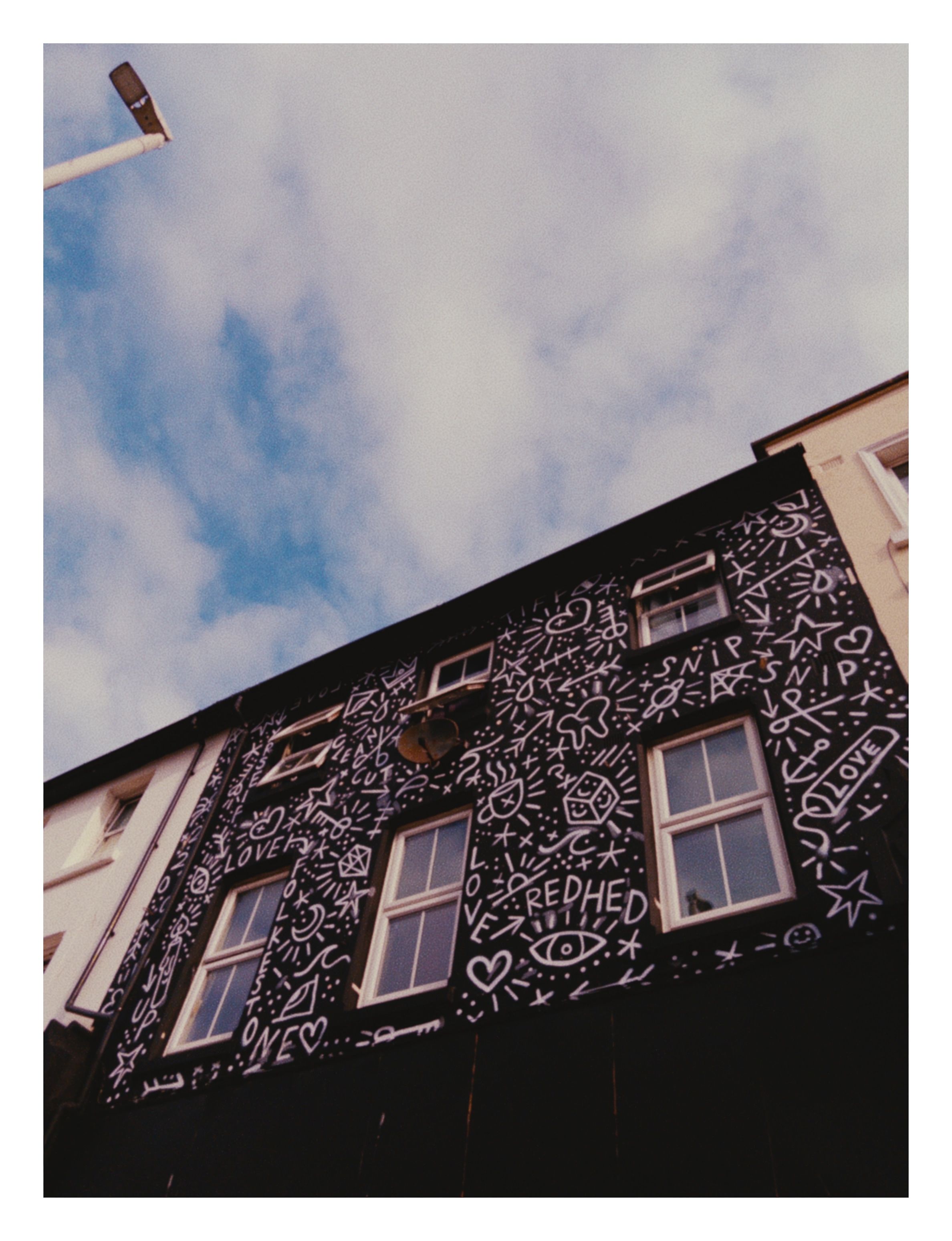
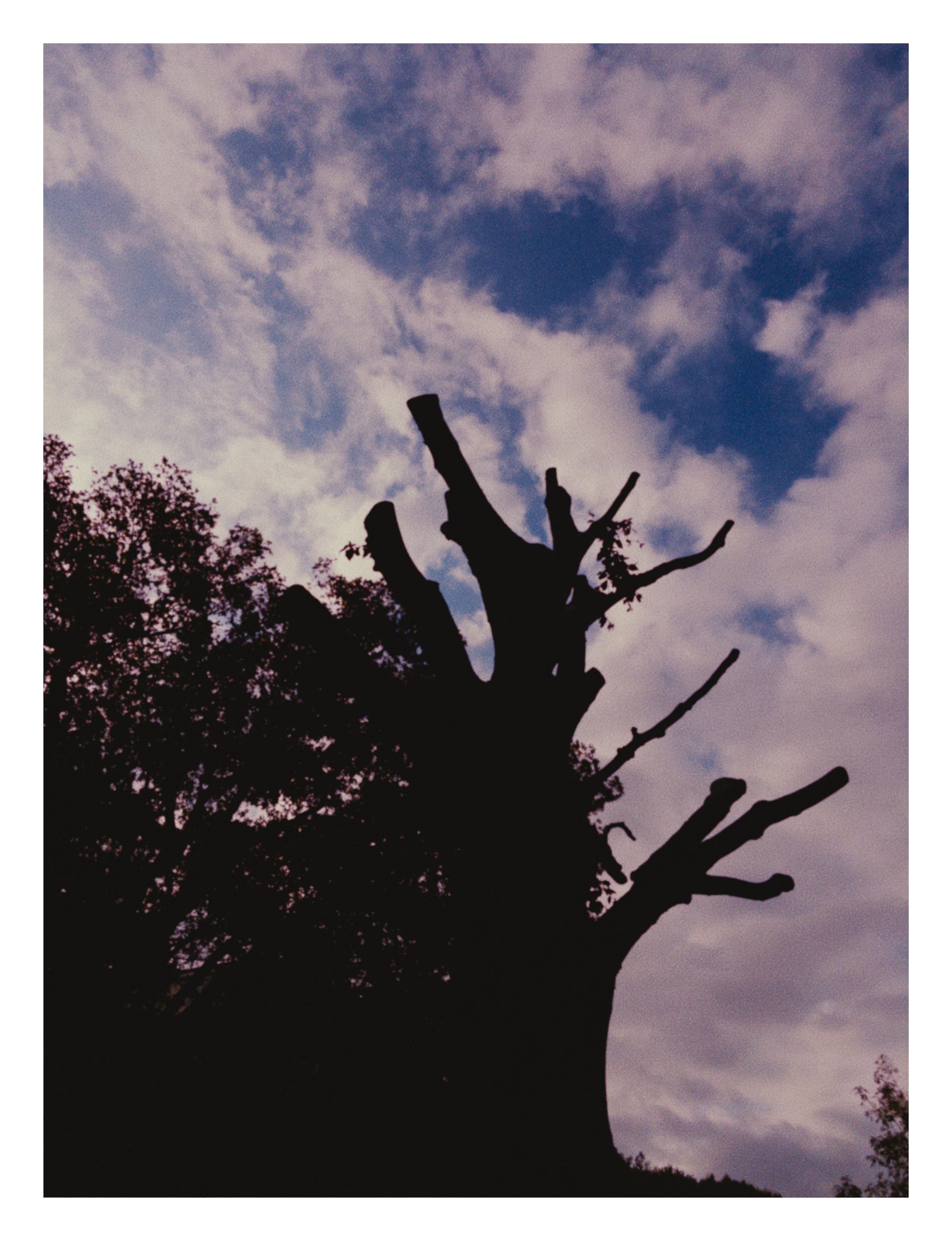
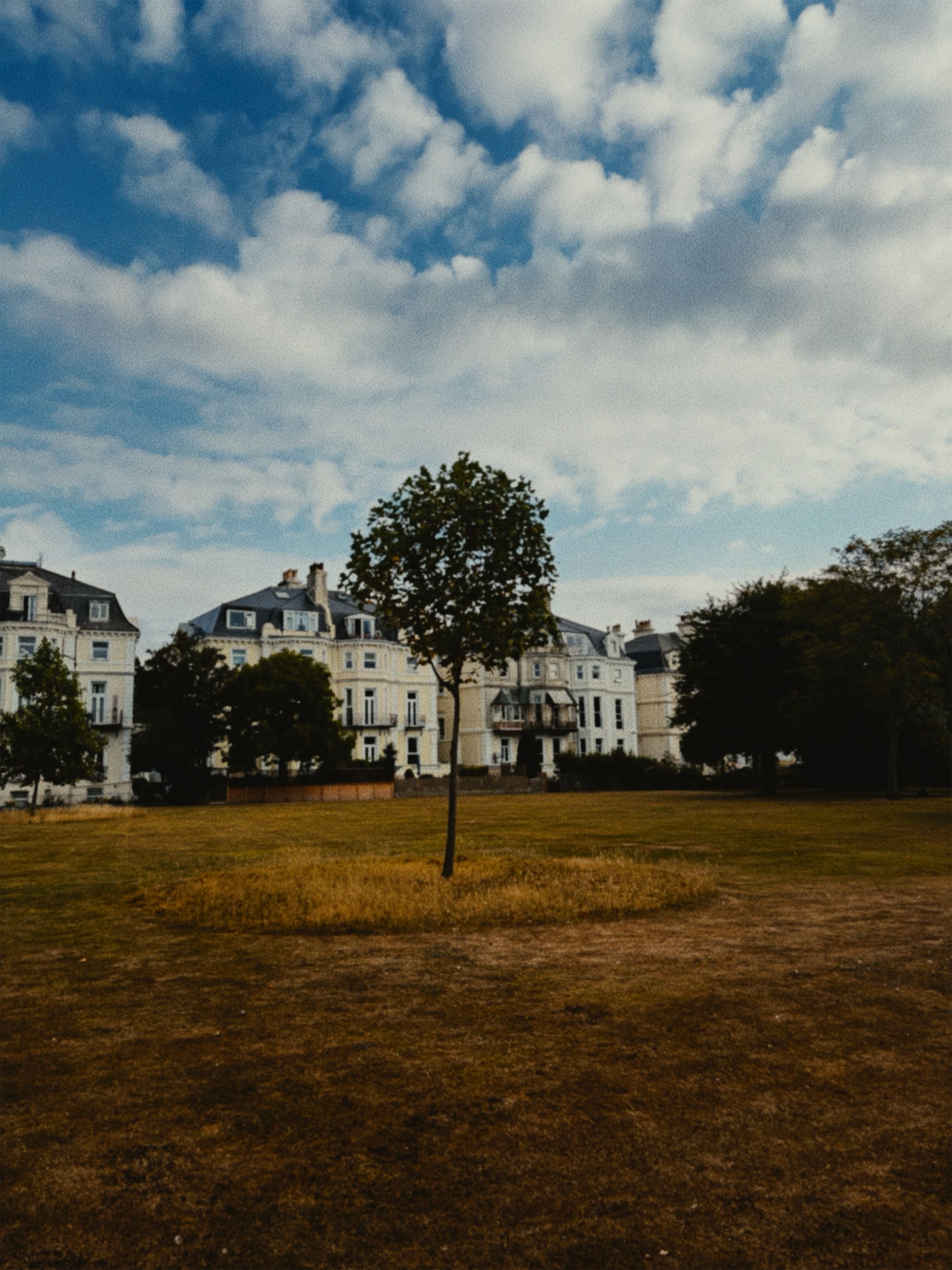
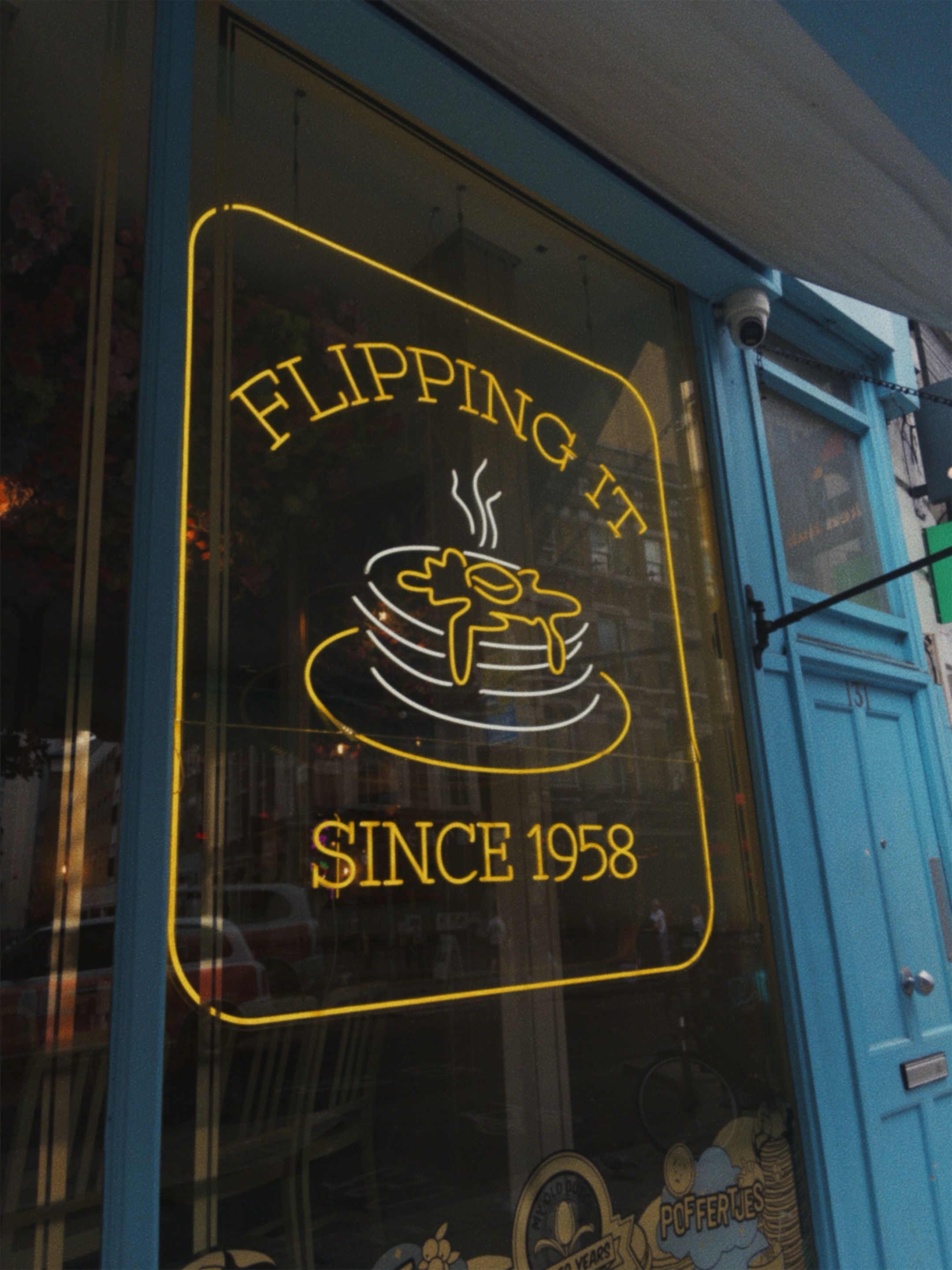
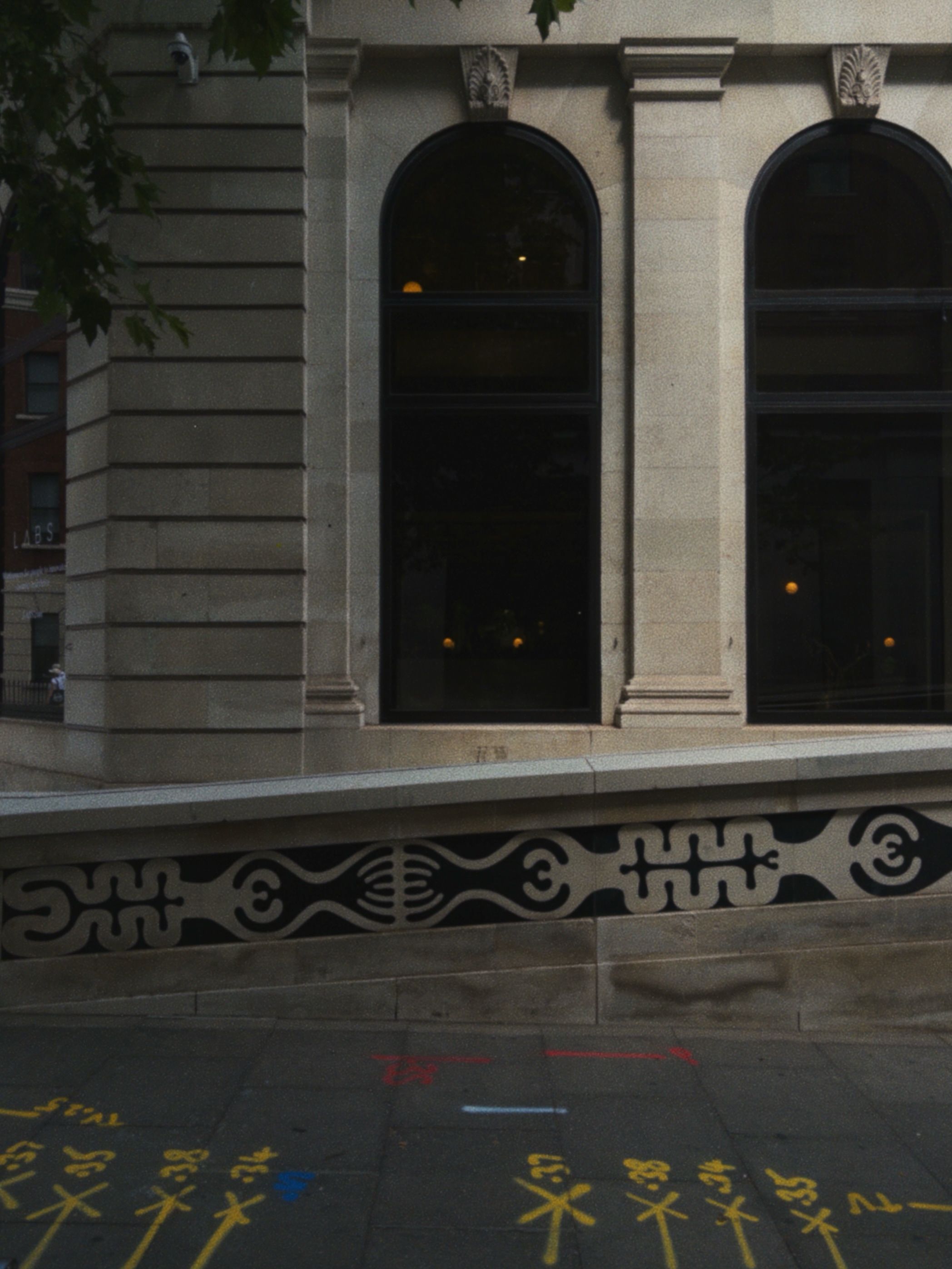
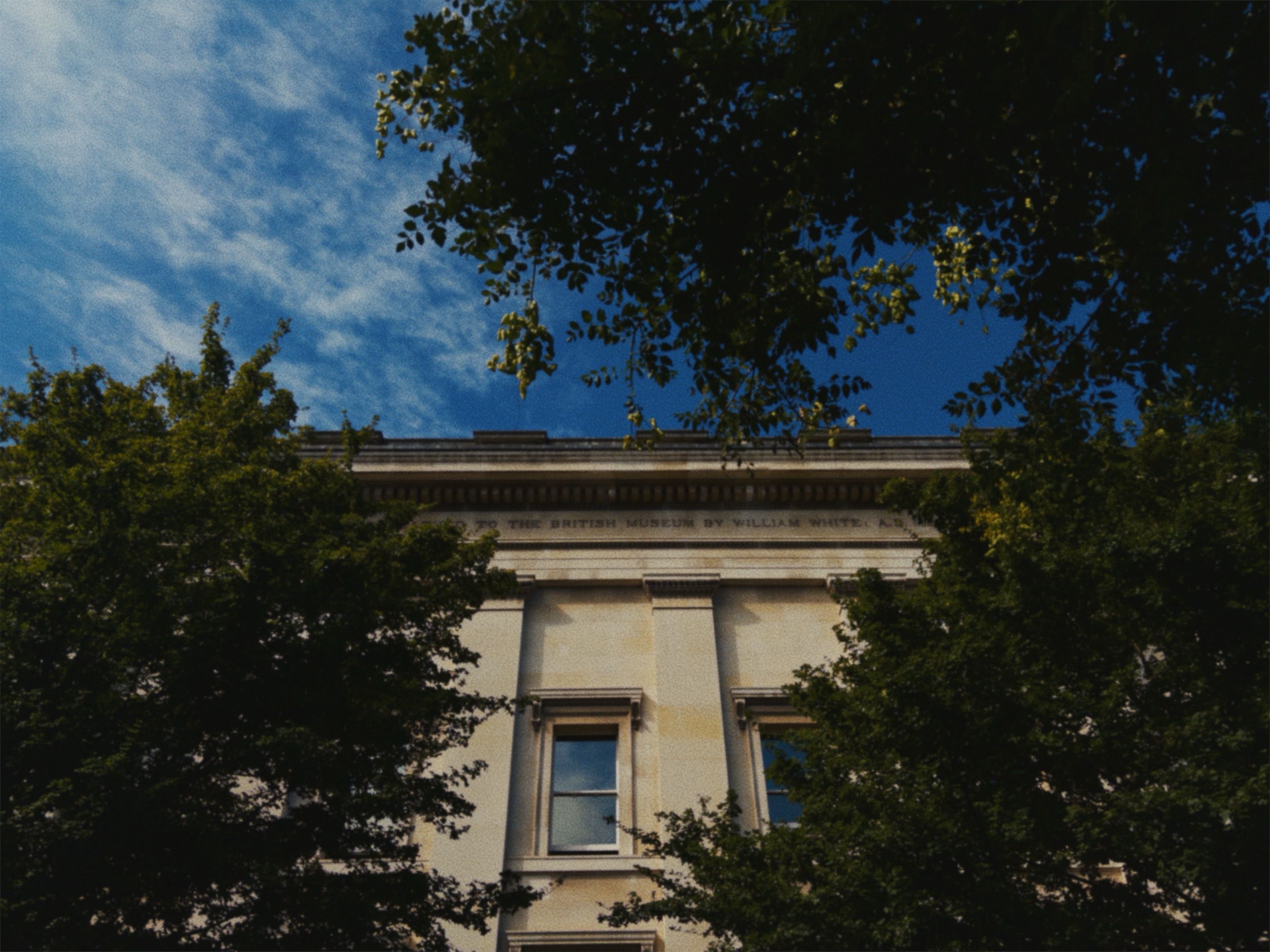
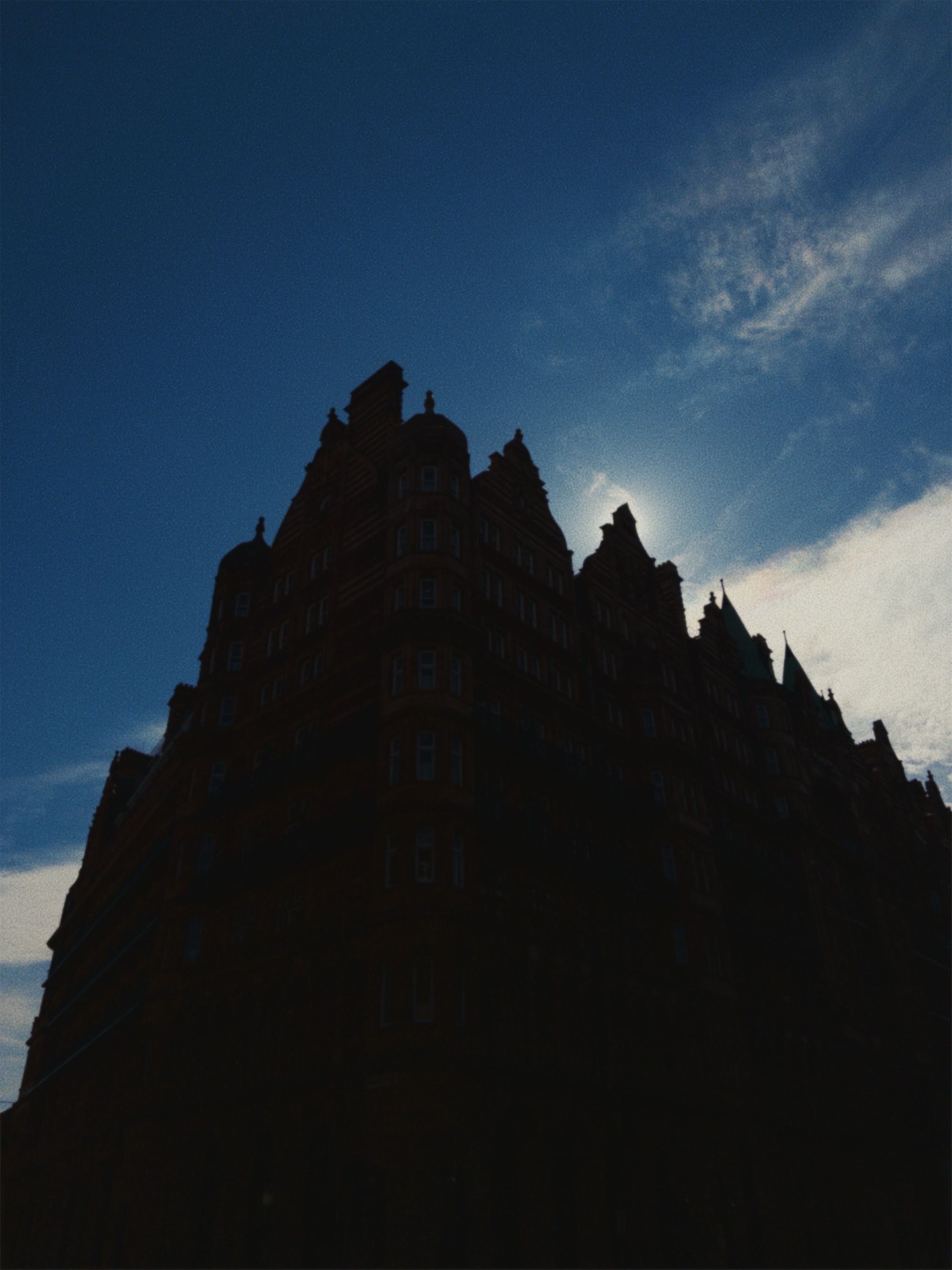
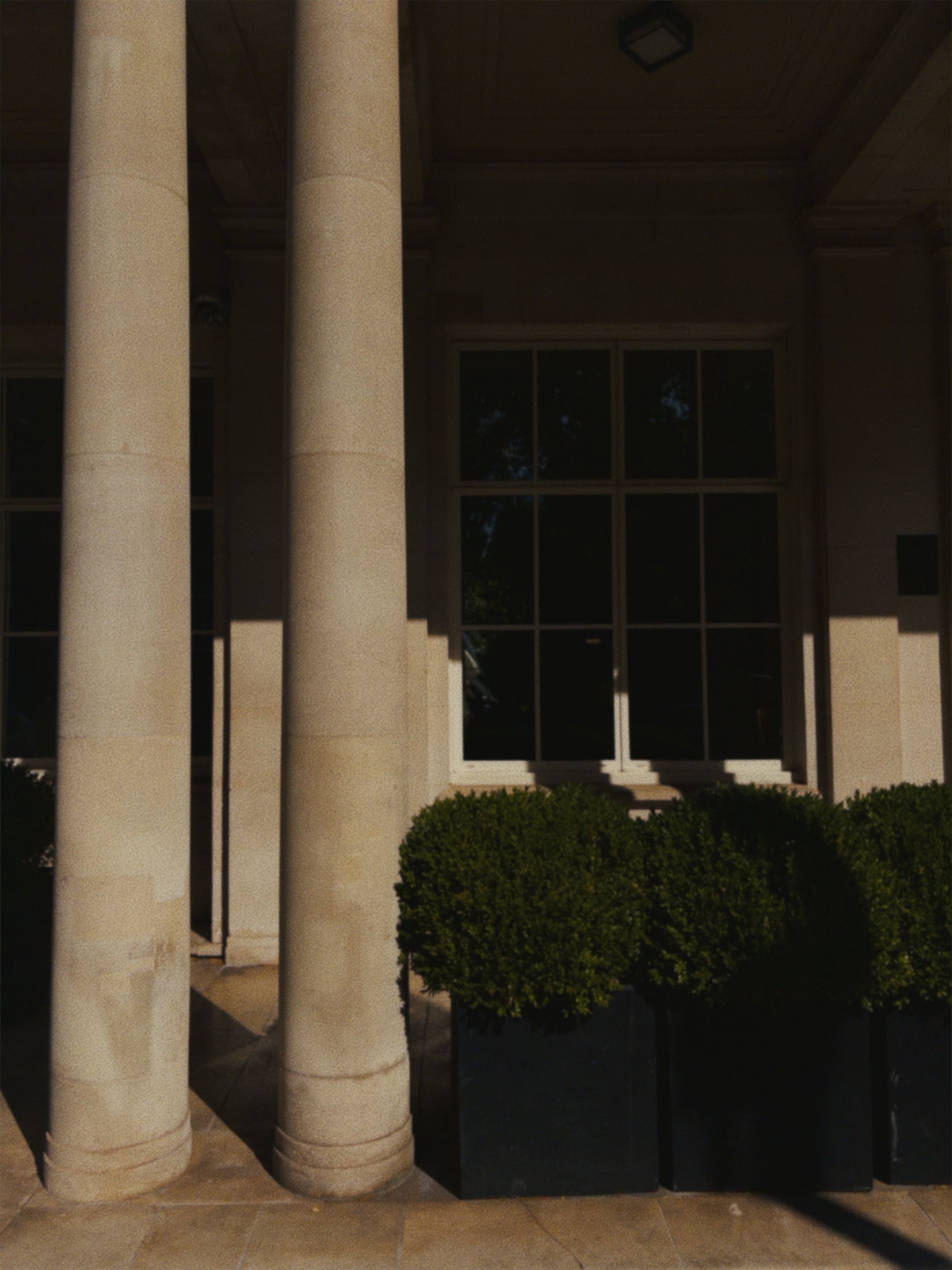
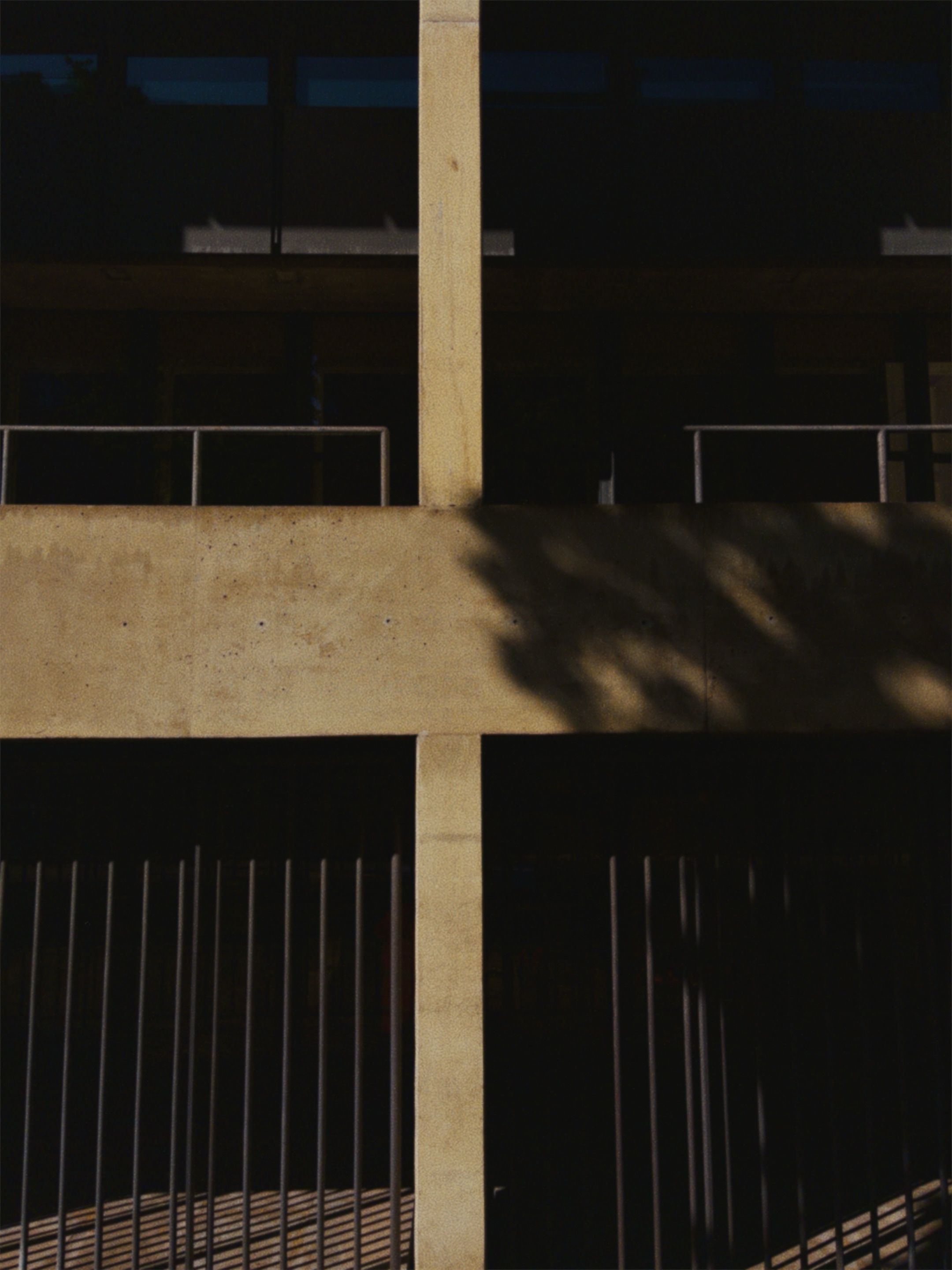
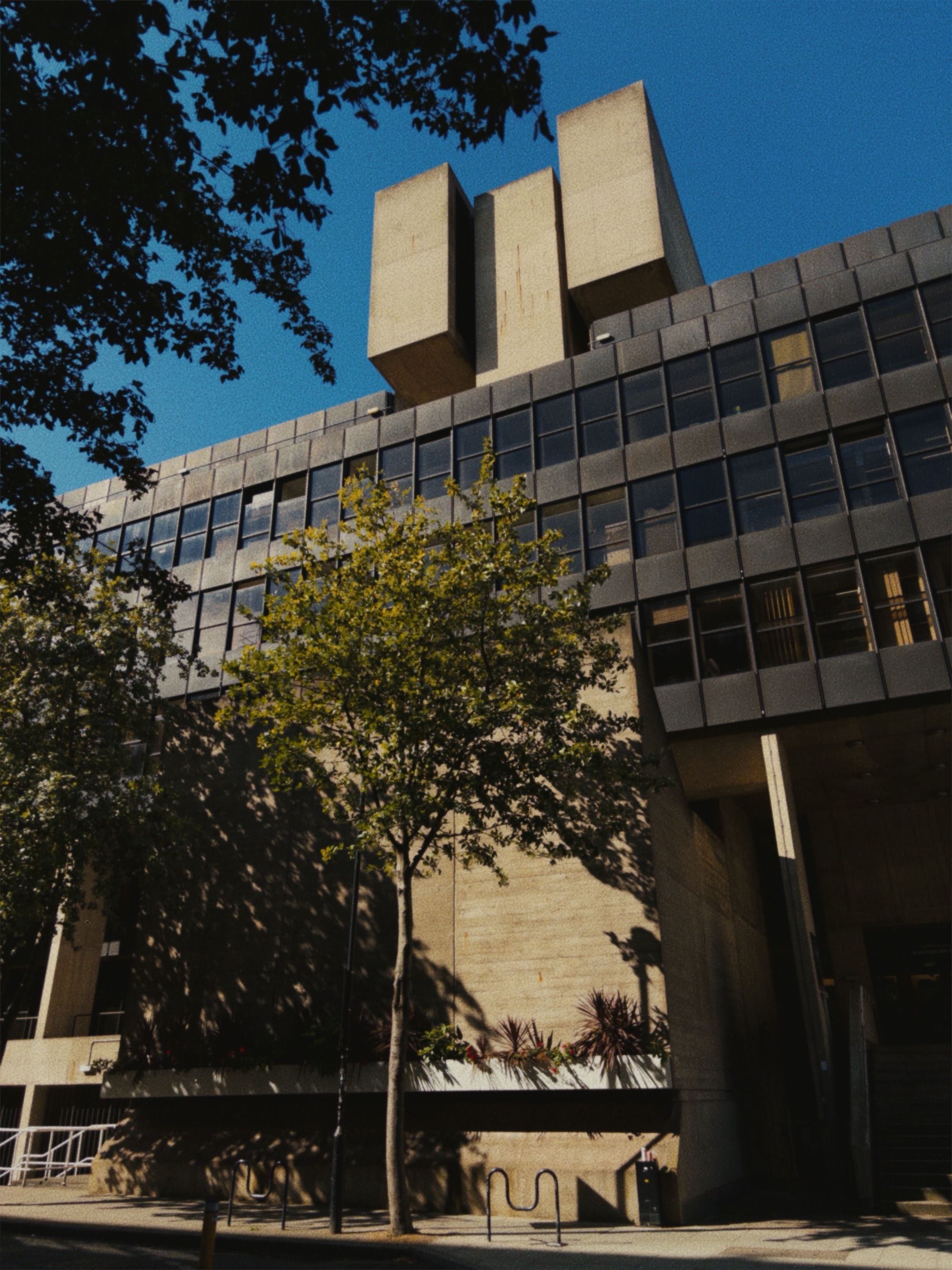
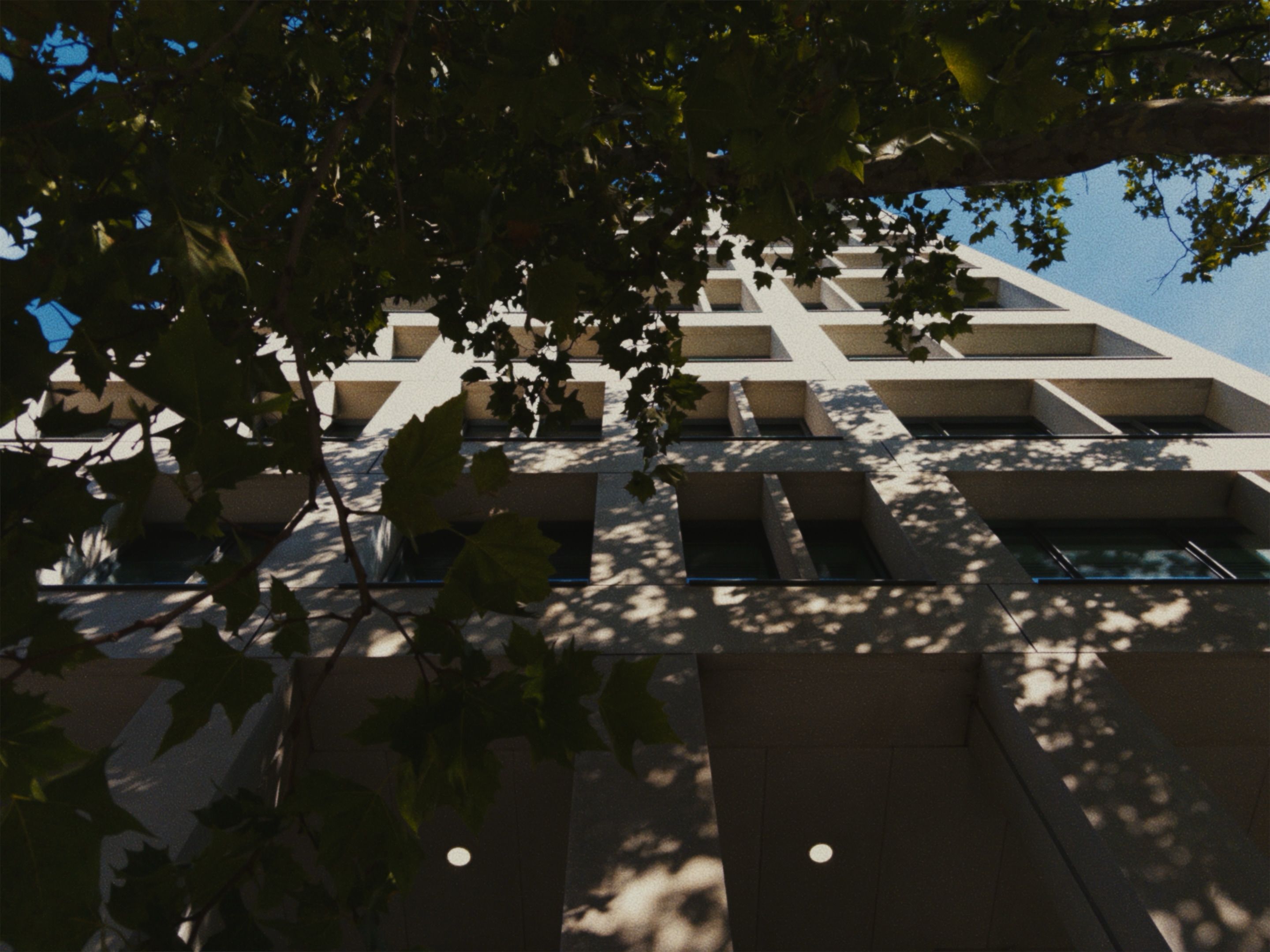
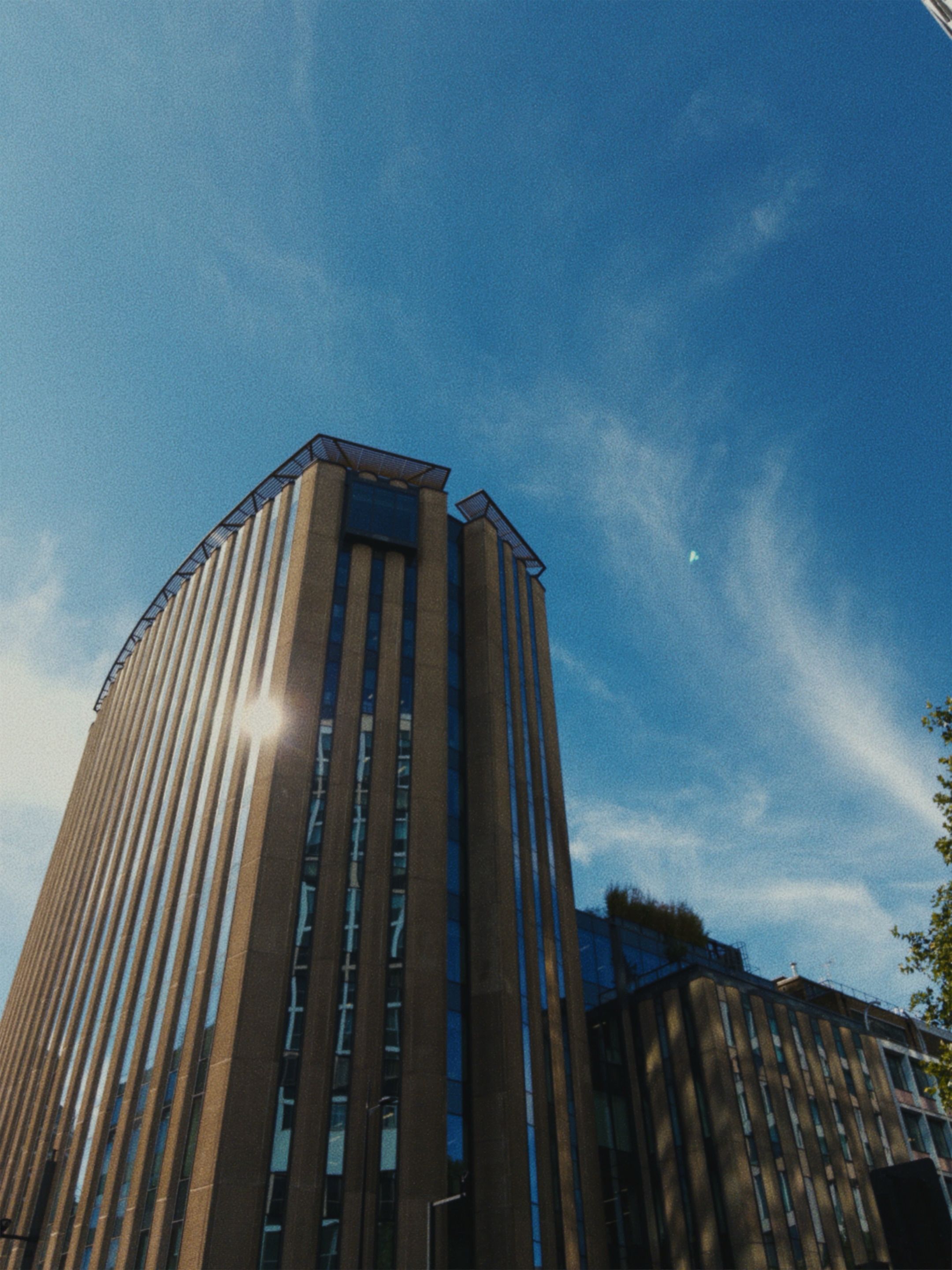
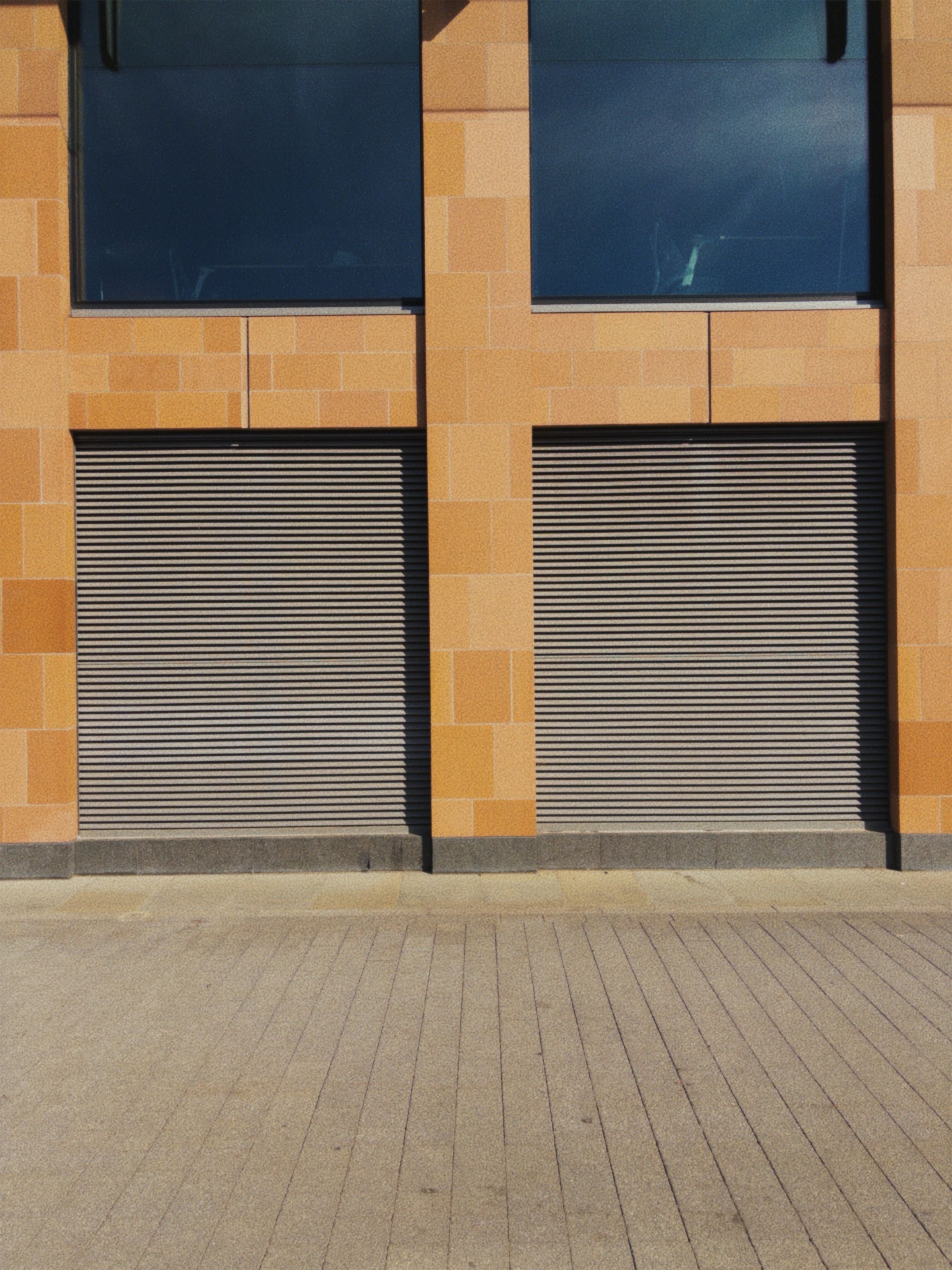
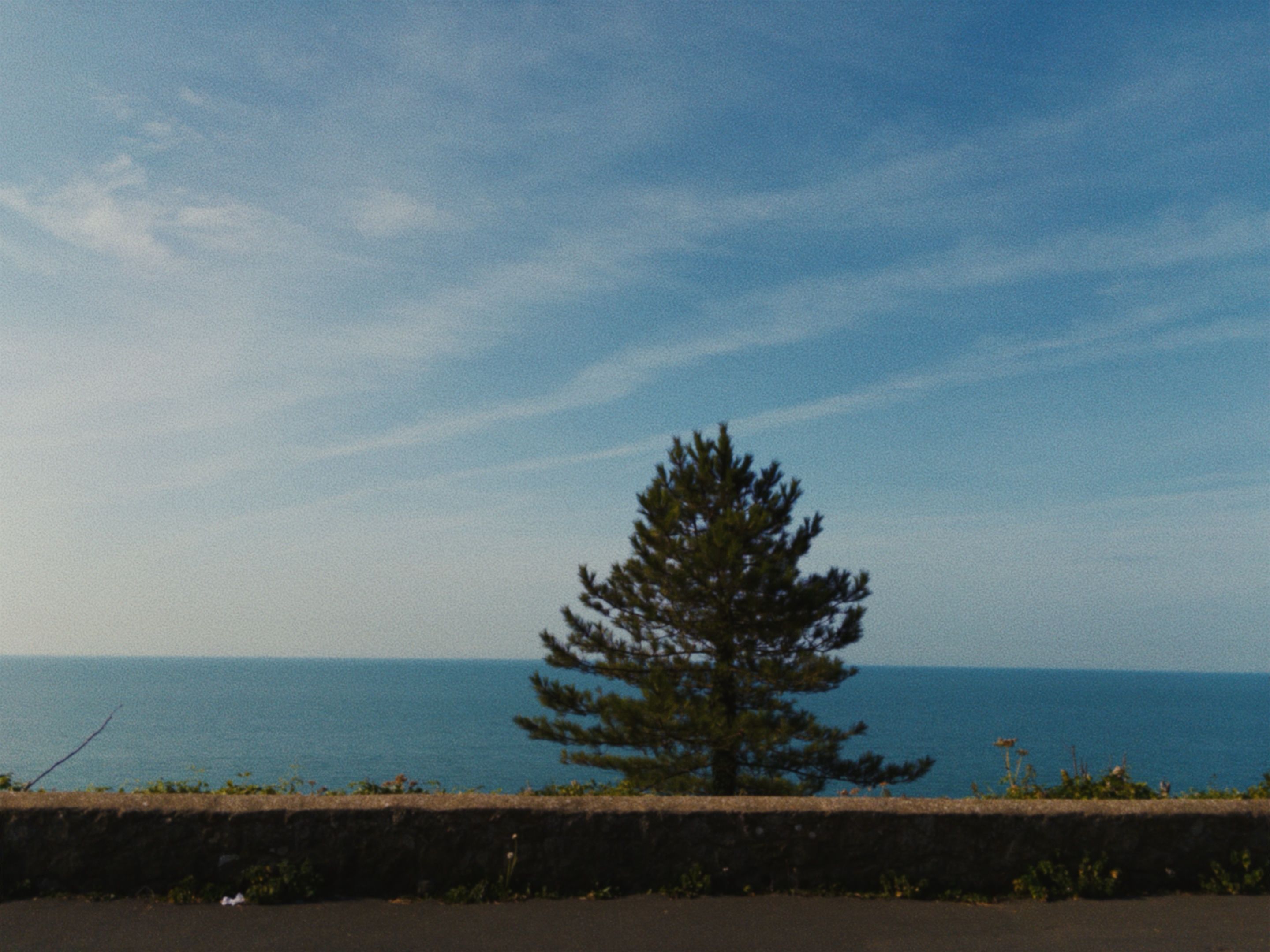
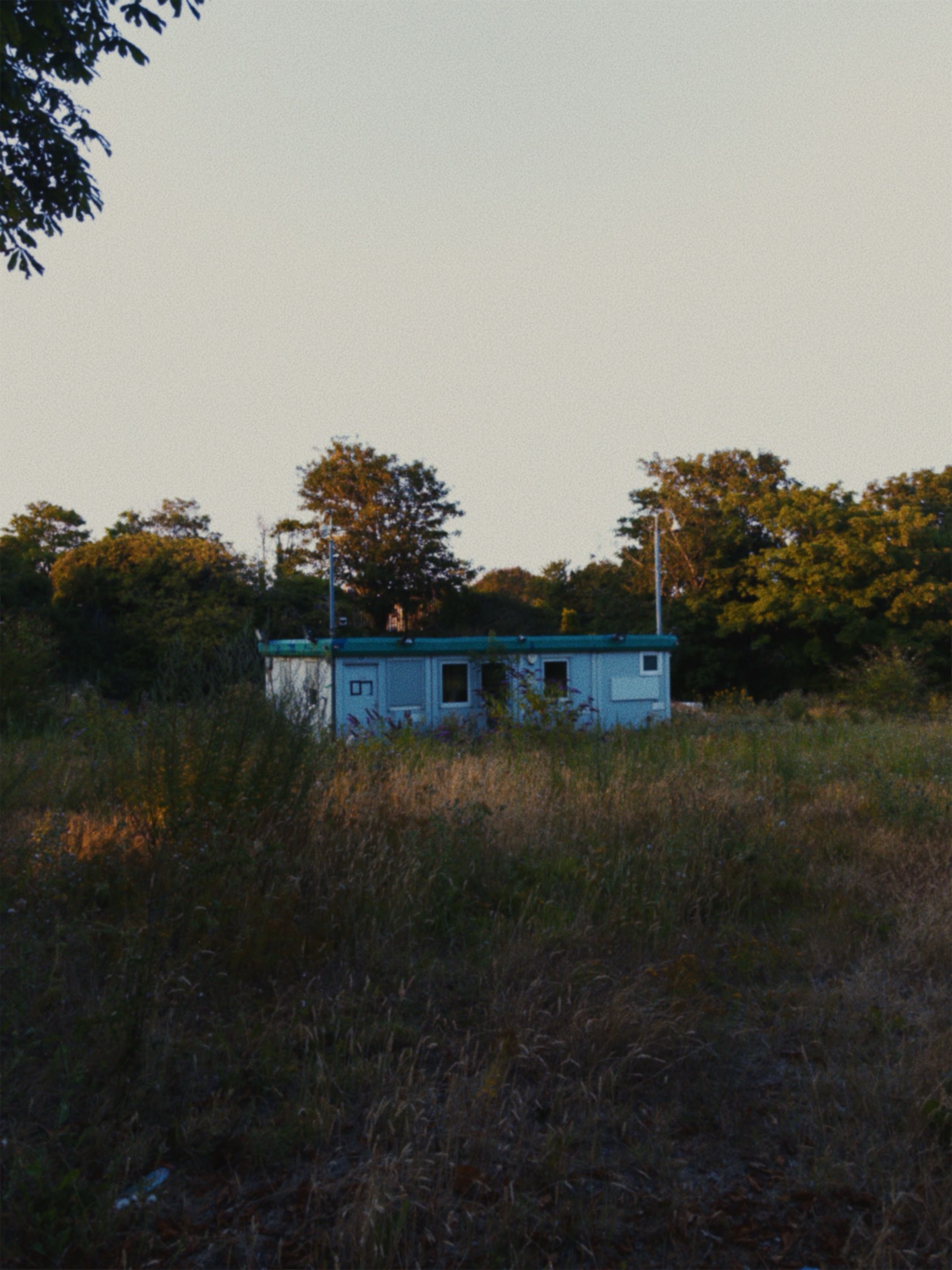
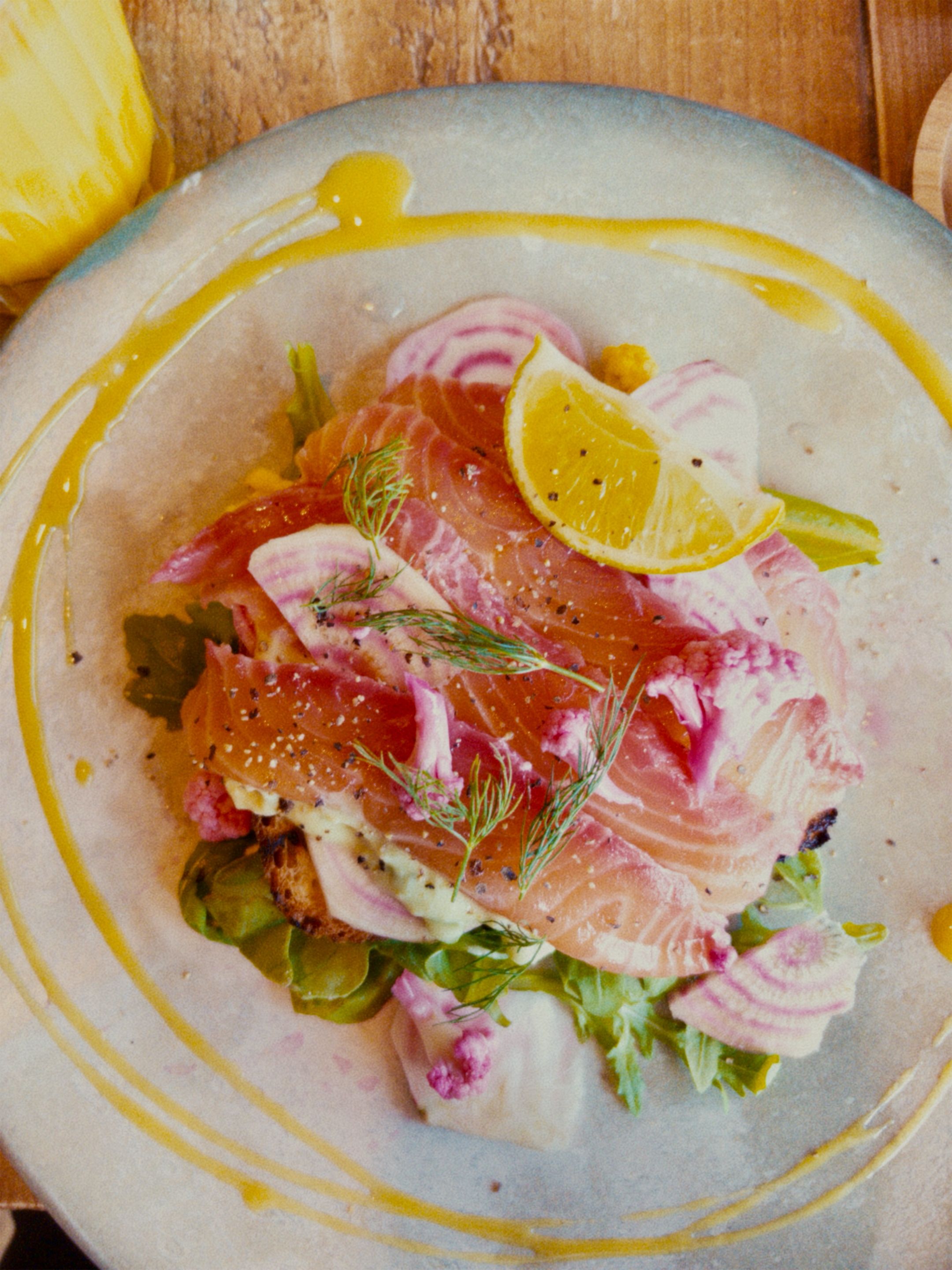
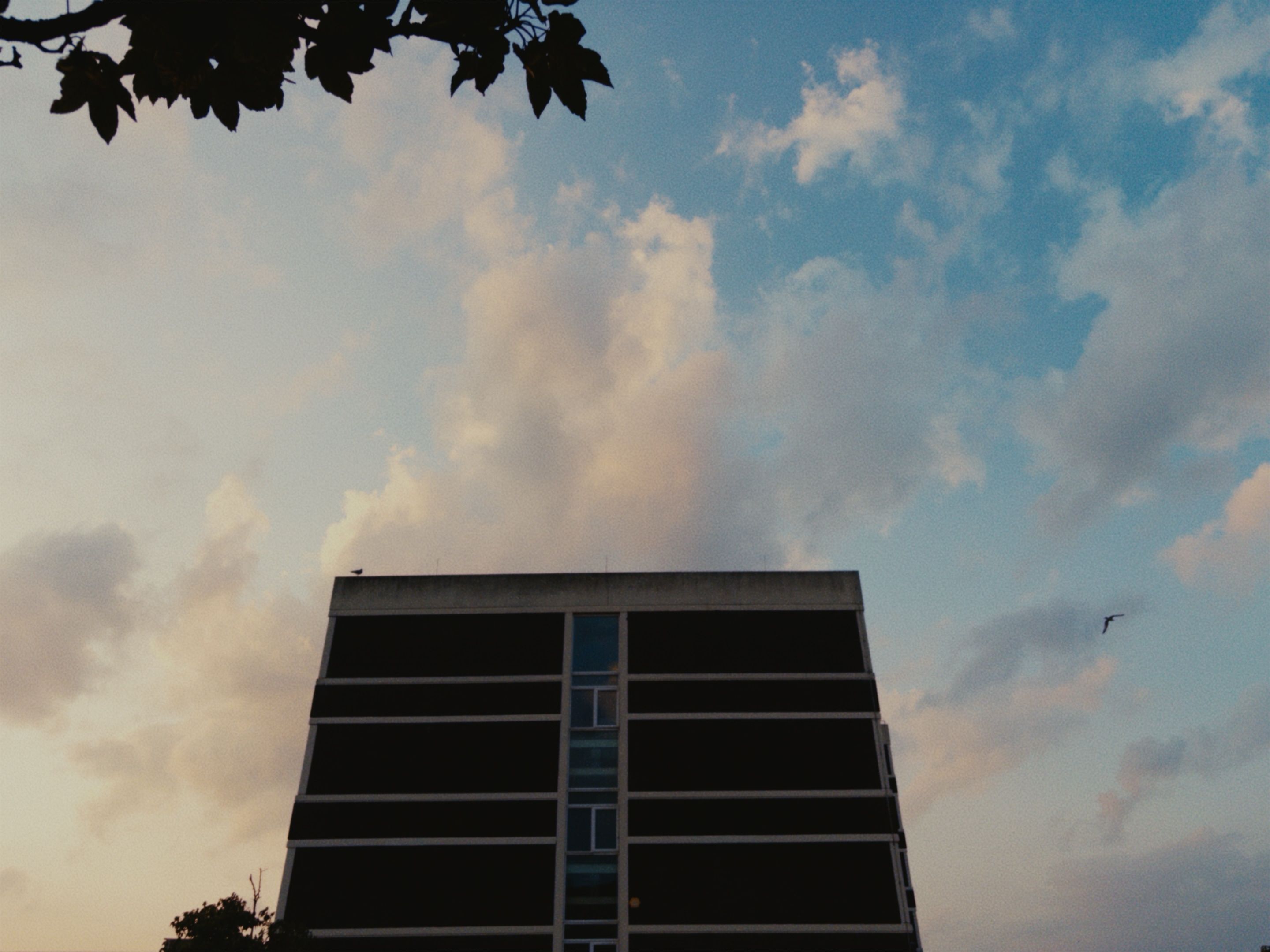
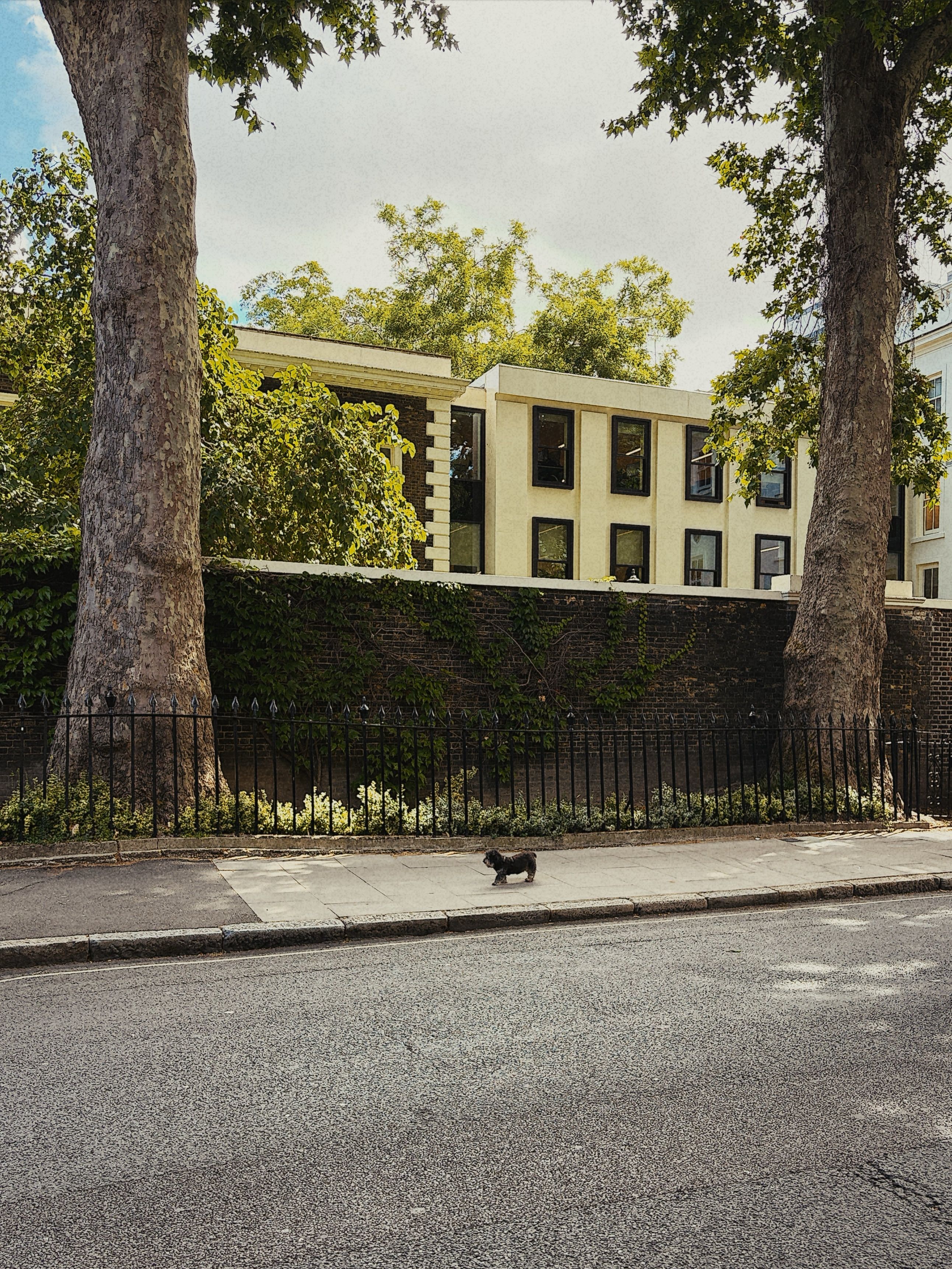
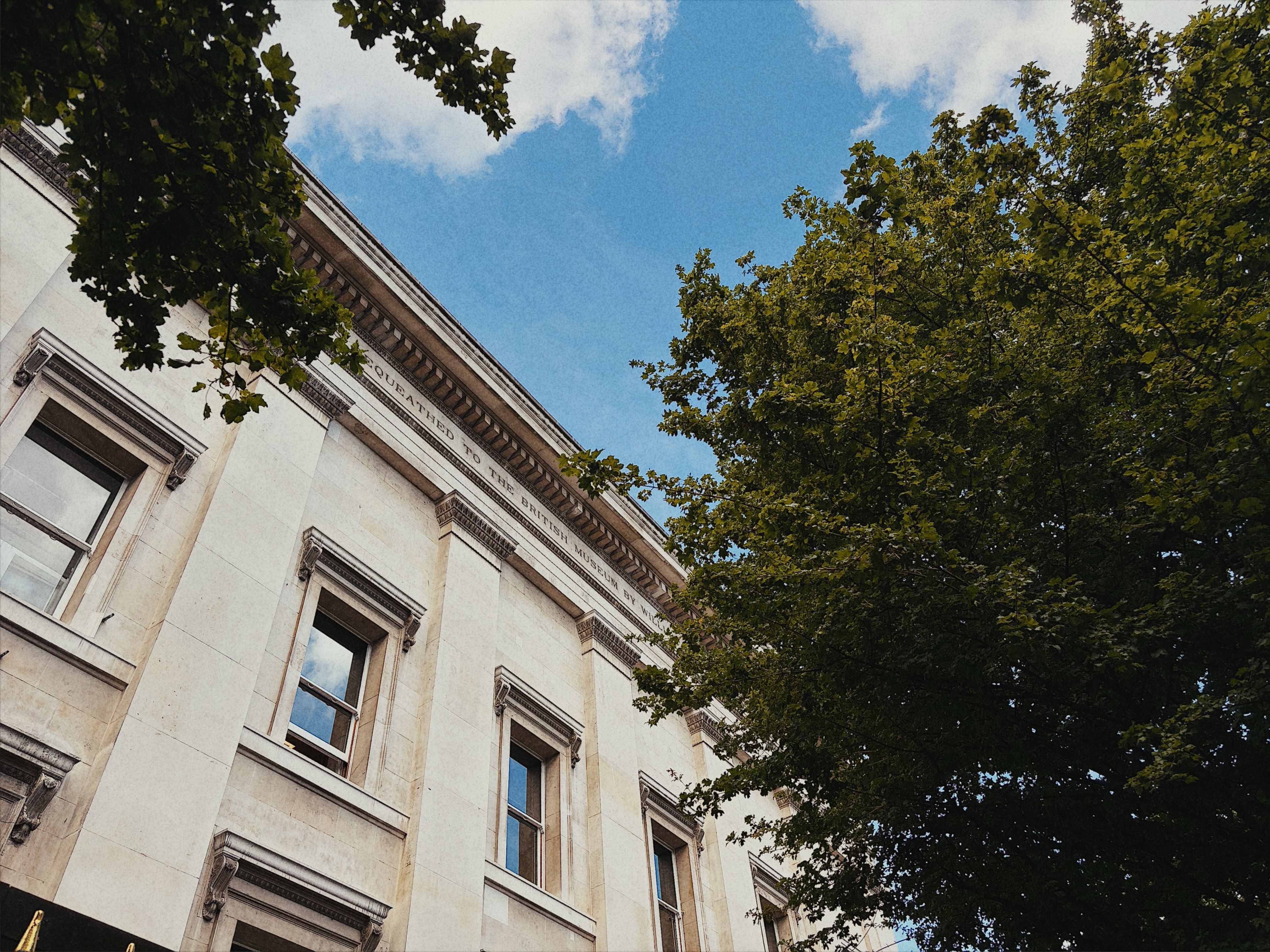
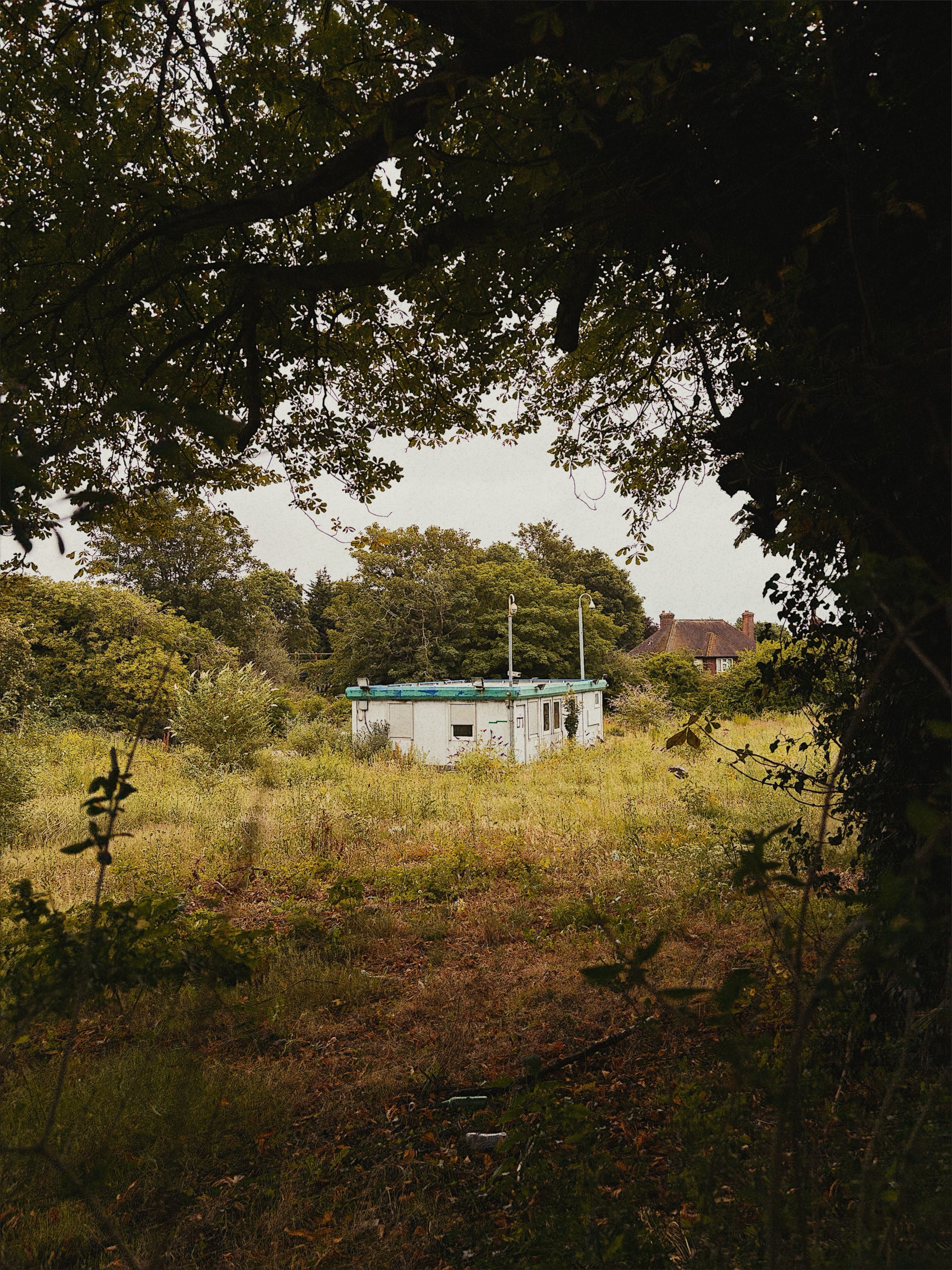
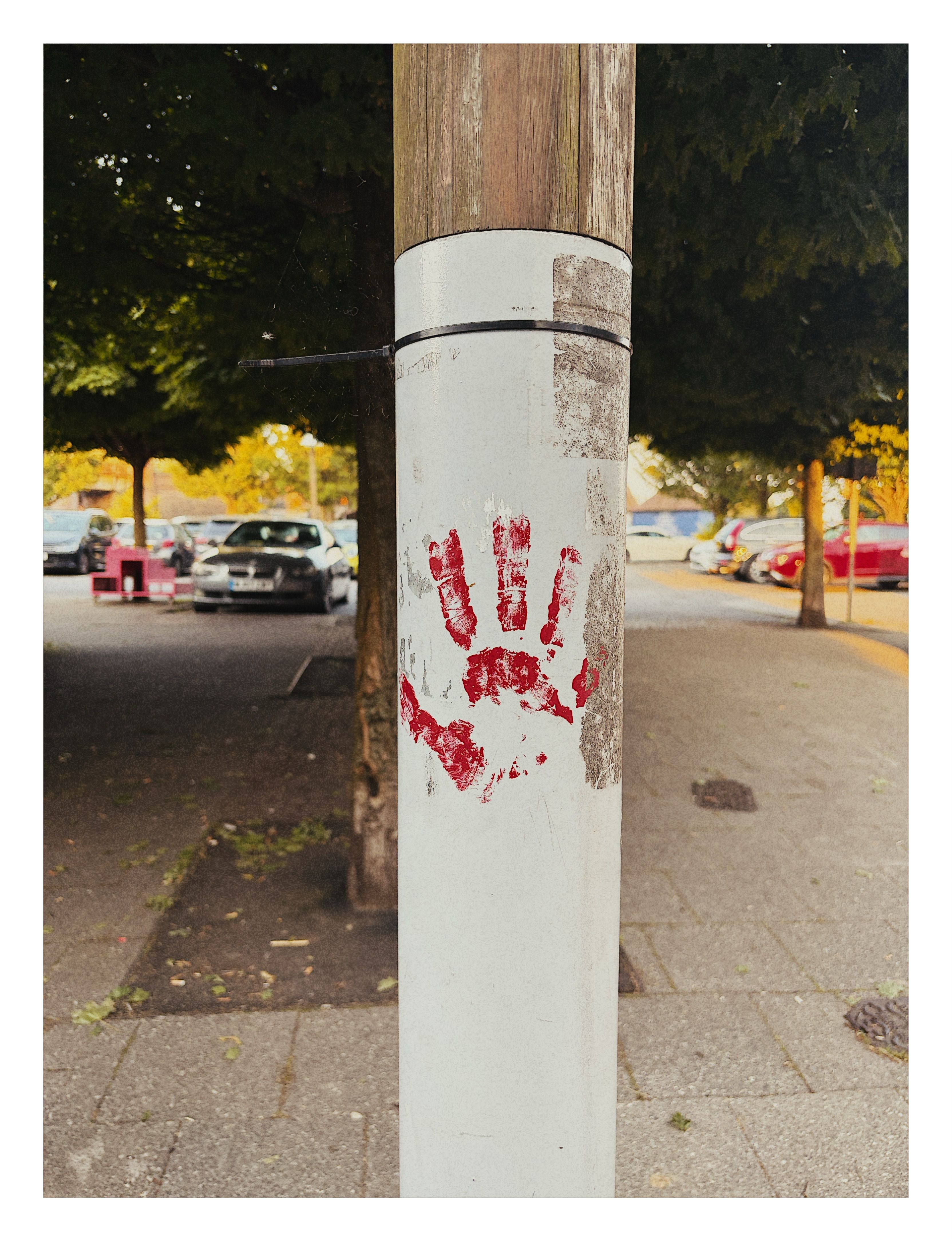
An iPhone camera that applies a film-inspired look at capture, making every photograph final.
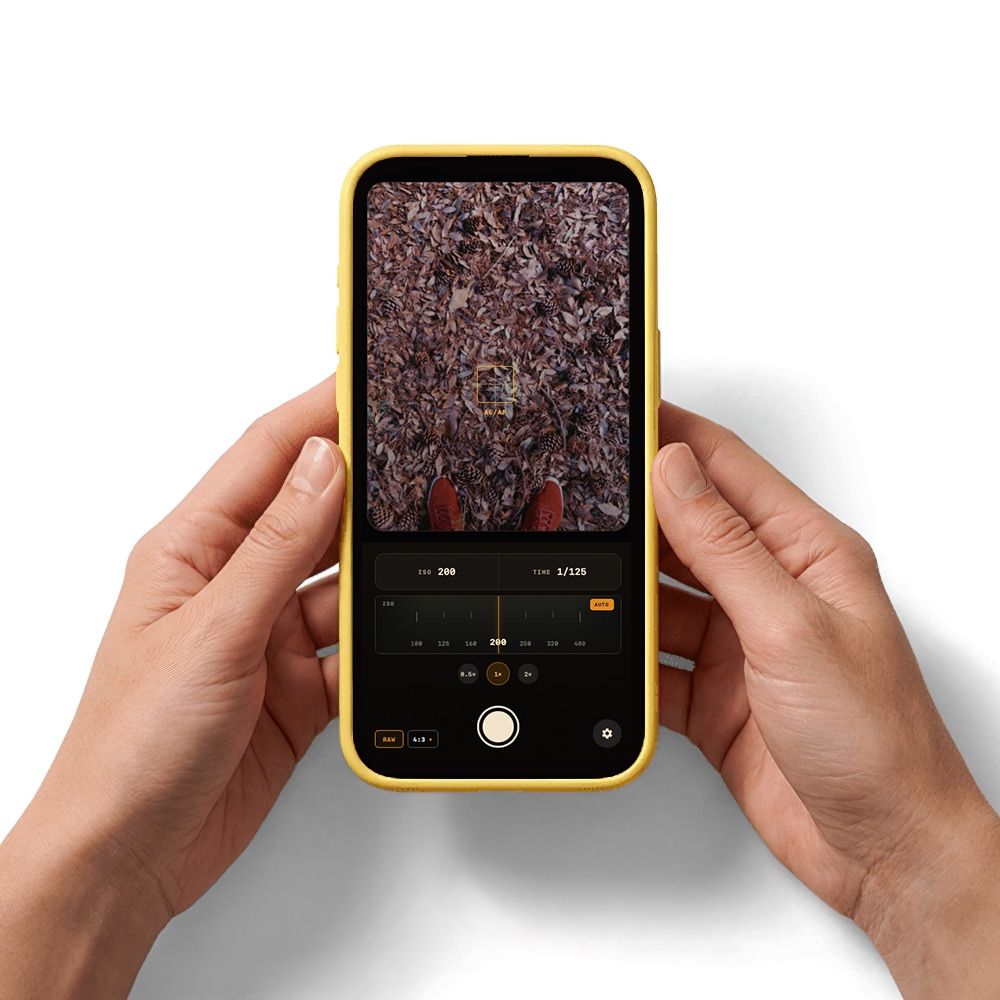
I like the commitment of shooting film. The choice of stock shapes how I see a scene, and pressing the shutter completes the photograph.
Phone photography encourages the opposite: capture something neutral, preserve every option, then decide what the image should become later. I built Amber to bring the discipline of film into the camera I always carry.
Designing around commitment
Amber treats a look as part of capture, not a reversible filter. Colour response, tone, softness and grain are configured before shooting, then applied consistently to every frame.
There is no editor or internal library. Finished images go directly to Photos, with no untouched original saved by default. The constraint is the feature: decide how the photograph should feel before taking it.
Building a film look
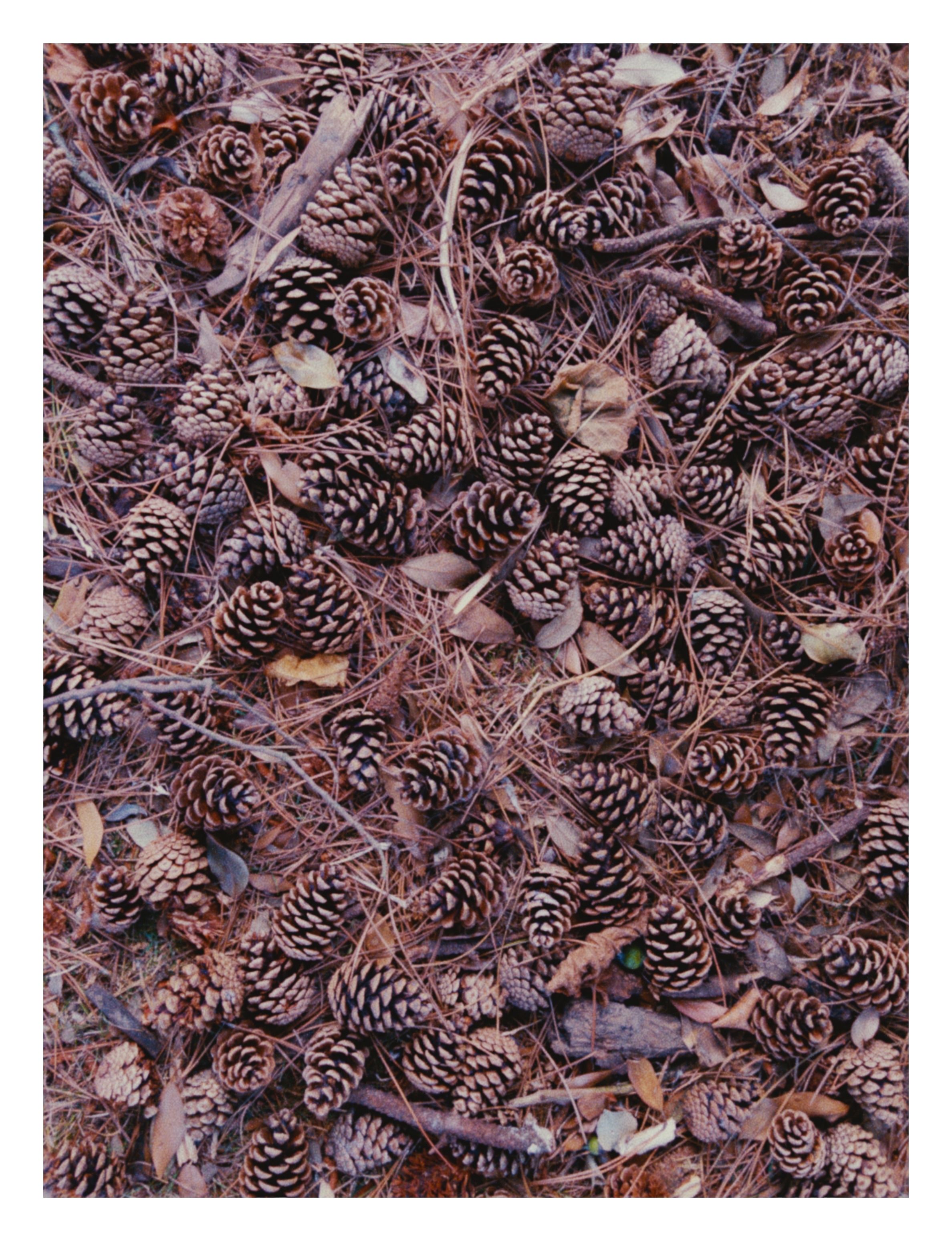
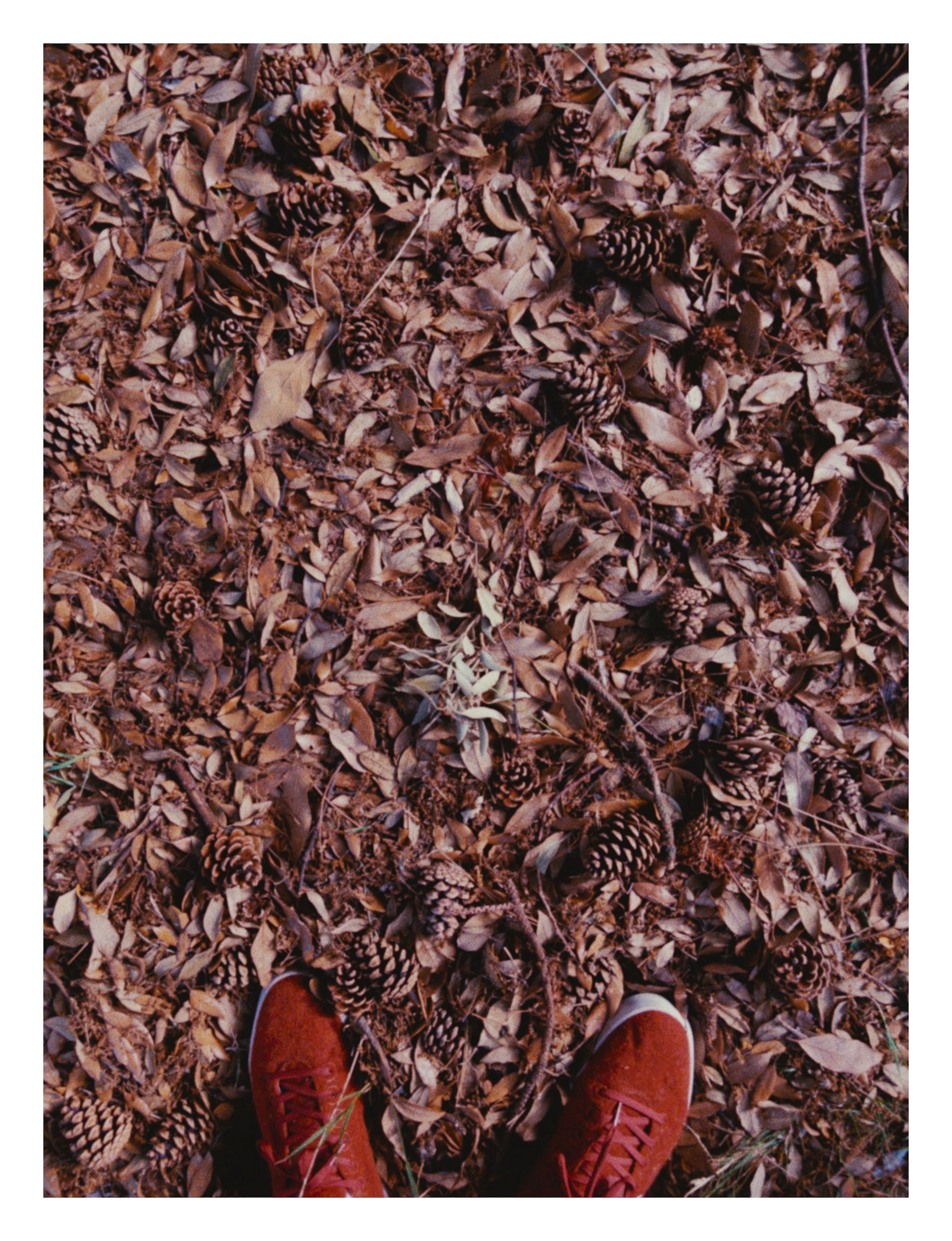
Convincing film character depends on several parts of the image behaving together. Amber’s pipeline combines a wide highlight shoulder, compressed shadows, controlled softening, ISO-responsive grain and LUT-based colour in a fixed, predictable order.
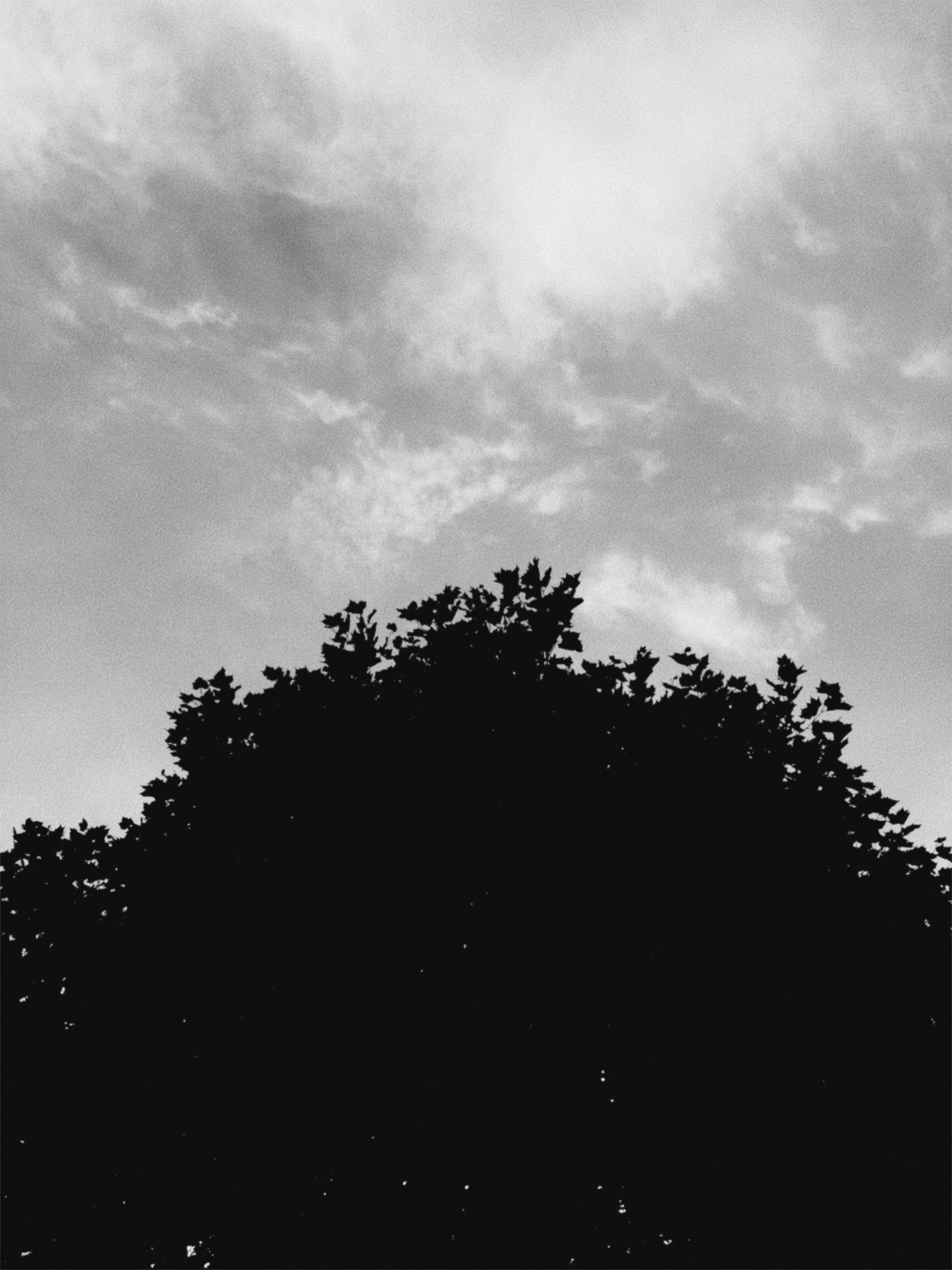
Grain is generated in Metal or sourced from scanned film. It responds to luminance and changes character with ISO. Fine detail is softened before grain is introduced, helping the texture feel embedded in the image rather than placed over it.
The same renderer drives the live viewfinder, settings preview and final export. What I compose is what Amber saves.
Taking control of the sensor
On supported devices, Amber captures Bayer RAW and develops it through a deliberately neutral pipeline. Apple’s demosaicing is retained while sharpening, noise reduction and local tone mapping can be reduced or removed.
Amber builds its own photographic baseline before applying the selected look. Colour from Apple’s processed companion image can be blended back in without replacing the detail or luminance developed from RAW.
Semi-automatic exposure controls allow either ISO or shutter speed to be fixed while Amber manages the other. This keeps the camera quick enough for everyday use without surrendering control of the image-making process.
Behaving like a camera
The viewfinder stays focused on shooting, with lens switching, tap-to-focus, exposure adjustment, AE/AF lock and support for the iPhone’s hardware Camera Control.
Images are written as high-quality HEIC files directly to Photos. Amber preserves EXIF, TIFF and maker metadata, embeds GPS when available and normalises orientation into the exported pixels.
Engineering the pipeline
Amber is built without third-party dependencies. SwiftUI handles the interface, AVFoundation manages capture, Core Image performs RAW development and colour processing, and custom Metal kernels render grain efficiently at full resolution.
Capture, rendering and encoding run away from the main thread to keep the viewfinder responsive. The pipeline is divided into testable stages, with synthetic fixtures verifying tone, RAW transforms, LUT parsing and grain generation.
Visual identity
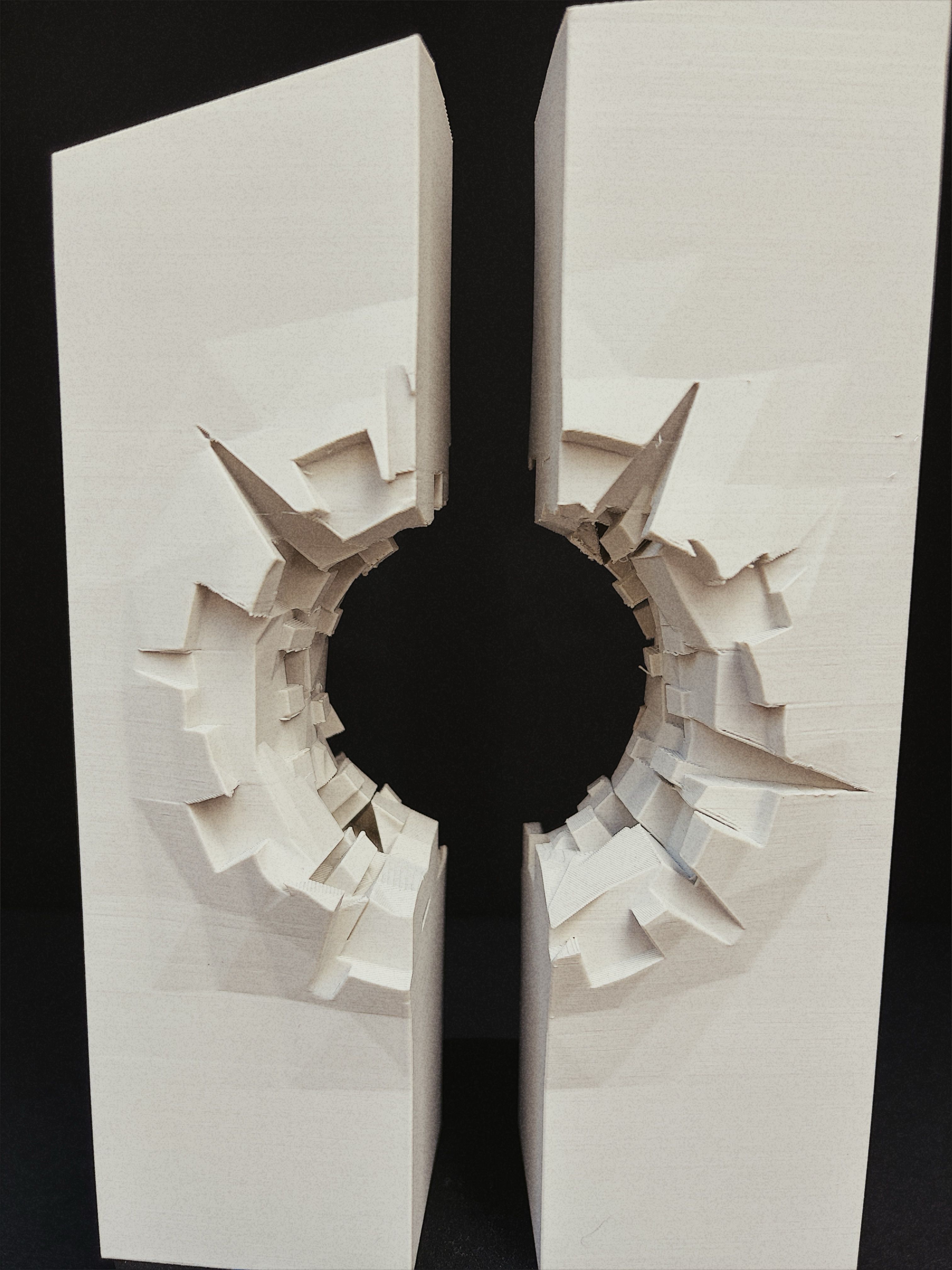
The identity uses a glowing amber inclusion as both object and metaphor: a moment suspended and made permanent.
Warm honey tones, near-black brown surfaces and restrained typography give the interface a tactile quality without competing with the photograph. The layered icon includes treatments for Apple’s default, dark, clear and tinted appearances.
Outcome
Amber has become the camera I wanted: fast enough to use instinctively, opinionated enough to change how I shoot, and technically complete enough that its files need no special treatment.
The project is less about reproducing the surface appearance of film than translating its constraints into software: one stock, one exposure and one finished frame.
Amber is an ongoing, evolving project. I intend to keep adjusting the camera as I use it, adding features and refining its behaviour as my preferences change. The roadmap includes optional white borders based on location or subject, inspired by prints from Snappy Snaps; creating and scanning my own grain plates across different film stocks and ISO values; and further tuning how grain, RAW development and colour interact.
Rather than building a library of film simulations, I want to refine one dependable processing pipeline, then develop subtle variations suited to different light, white balance, locations and subjects. Ultimately, Amber should choose between those variations automatically, balancing ISO, grain and shutter speed to produce the photograph I am most likely to enjoy, rather than a technically perfect image.
If this sounds interesting and you would like to help test Amber, get in touch. I plan to open it to beta testers soon.